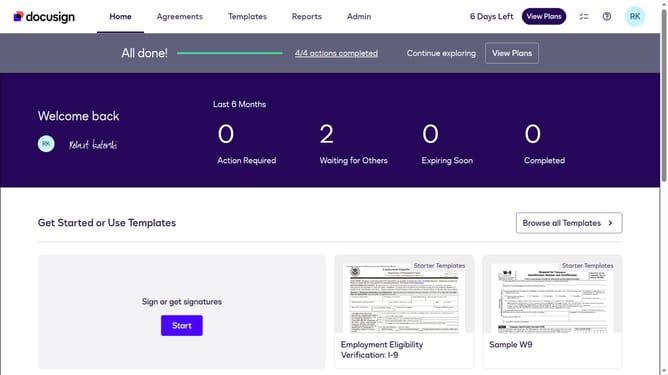
How to enable reminders for recipients to finish the signing session after completing required fields in DocuSign
Here is how to enable reminders for recipients to finish the signing session after completing required fields in docusign
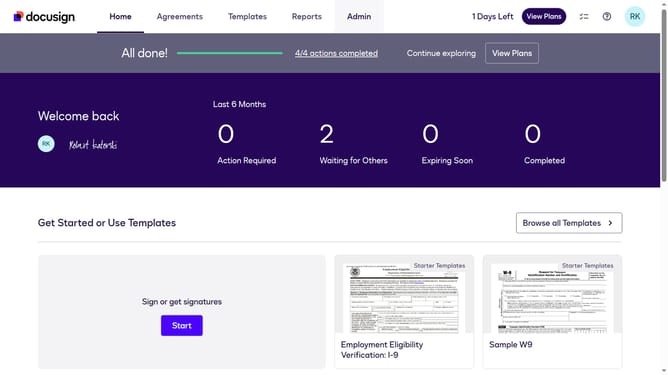
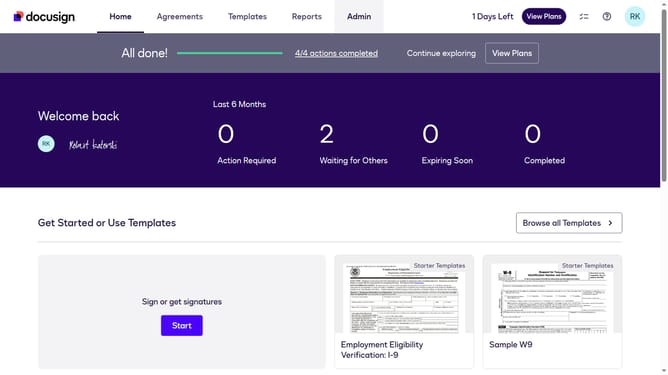
- First click on the "Admin" tab in the top navigation menu
- Then scroll down the page to view more admin settings
- Next click on "Signing Settings" in the left sidebar under the "SIGNING AND SENDING" section
- Then scroll down the page to view additional signing settings options
- Next click on the checkbox for "Remind recipients to finish the signing session after they fill in required fields" to enable this option
- Then scroll down the page to view more options
- Finally click on the "Save Changes" button to save the updated signing settings
Why should you enable reminders for recipients to finish the signing session after completing required fields in DocuSign
DocuSign is a leading digital transaction platform designed to streamline electronic agreements.
One of its standout features is the ability to set up reminders for recipients to complete signing sessions. This ensures that important documents don't get overlooked, speeding up the entire transaction process.
Enabling reminders means you don’t have to worry about chasing participants manually, contributing to a more efficient and stress-free experience.
Overall, this feature enhances productivity while securing and managing documents seamlessly.
Last update