How to stop requiring a lowercase letter in passwords in DocuSign
Here is how to stop requiring a lowercase letter in passwords in docusign
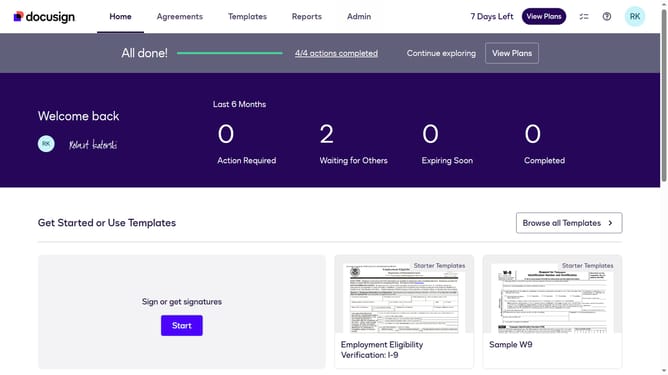
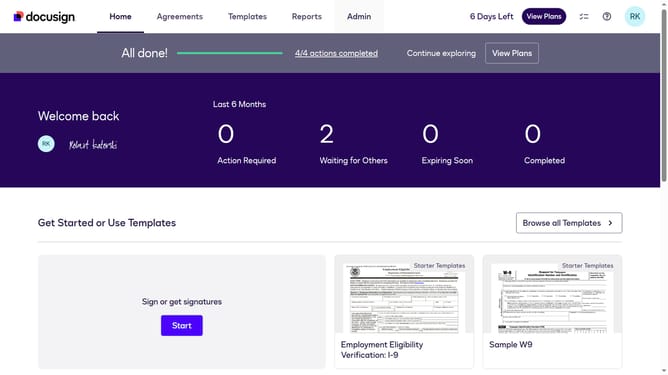
- First click on the "Admin" link in the top navigation menu
- Then click on the "Security Settings" option in the left sidebar under the ACCOUNT section
- Next scroll down to view more options
- Then click on the "Show Password Rules" button in the Password Security section
- Scroll down in the Password Rules modal dialog
- Then uncheck the "At least one lowercase letter" checkbox in the Passwords must include section
- Finally click on the "Save" button at the bottom right of the Password Rules modal dialog
Why should you stop requiring a lowercase letter in passwords in DocuSign
DocuSign is a versatile digital platform designed to simplify electronic agreements and enhance workflow efficiency.
An exciting feature of DocuSign is its flexibility in password requirements, such as the option to stop requiring a lowercase letter in passwords.
This customization caters to users seeking a tailored security approach, enhancing convenience while maintaining robust security protocols.
By enabling diverse password criteria, organizations can align security settings with their unique internal policies, promoting user-friendly experiences.
Last update