How to forward a document in DocuSign
Here is how to forward a document in docusign
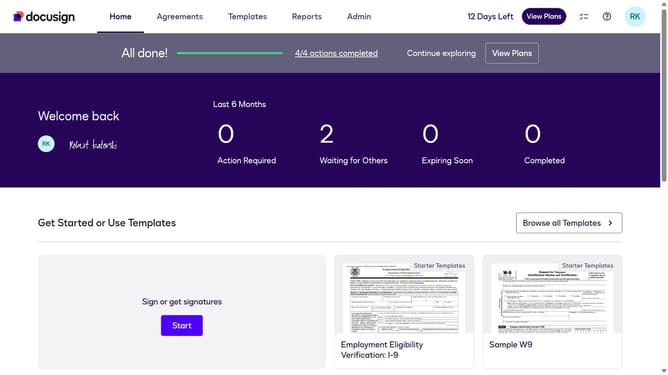
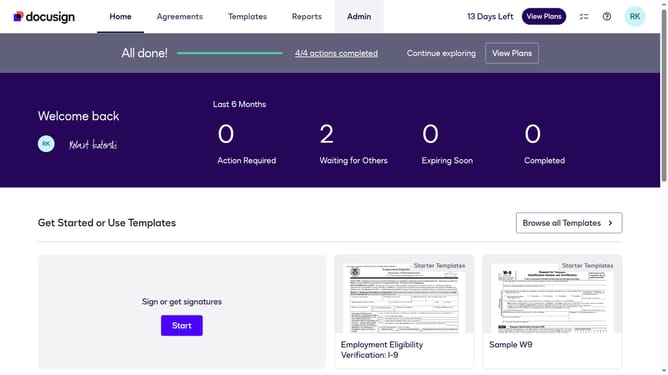
- First click on the "Agreements" tab in the top navigation menu
- Then click on the three-dot menu button next to the document you want to forward
- Next select the "Forward" option from the dropdown menu
- Then click in the "Name" field under the "Add a recipient" section and enter the name of the recipient
- Next click in the "Email" field and type in the email of the recipient
- Then scroll down in the recipient details page
- Next click the subject input field and type in your preferred subject
- Then click the "Next" button again to proceed to the document signing page
- Finally click the "Send" button in the bottom right corner to send the document
Why should you forward a document in DocuSign
DocuSign is a versatile digital document management platform designed to streamline agreements and signatures.
Forwarding a document in DocuSign is a simple feature that enhances collaboration and efficiency. It allows users to seamlessly direct documents to the appropriate parties, ensuring smooth communication and swift transactions.
This feature is beneficial because it eliminates delays in sending important documents, reduces the risk of miscommunication, and enhances the workflow by keeping everyone in the loop. Utilizing this function can lead to more organized and effective document management.
Last update