How to use a customer dynamic variable in an email template on Apollo
Here is how to use a customer dynamic variable in an email template on apollo
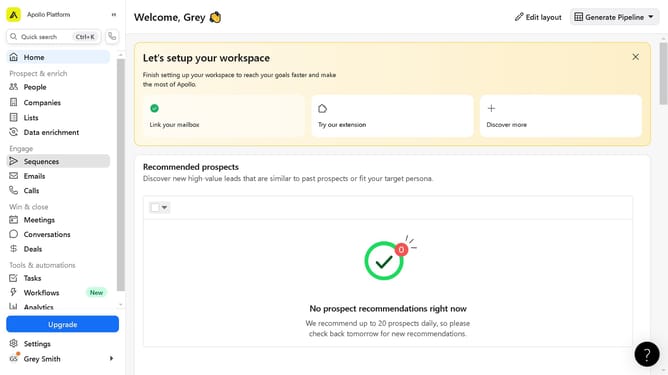
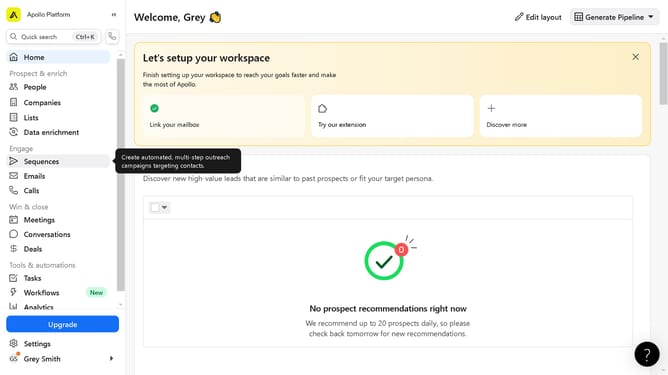
- First click on "Sequences" item in the left sidebar menu
- Then click on the sequence name in the sequences list
- Next click on the step in the sequence details view
- Then click on the "Variables" button in the email template editor toolbar
- Finally click the "Save" button in the top-right corner of the email template editor
Why should you use a customer dynamic variable in an email template on Apollo
Apollo is a leading platform for enhancing sales engagement and lead generation through tailored outreach.
Utilizing customer dynamic variables in Apollo's email templates enhances personalization, creating more meaningful connections.
By integrating dynamic variables, emails automatically adapt to the recipient's specific details, ensuring each interaction feels personal and relevant.
This feature not only saves time by automating customization but also boosts engagement, leading to higher response rates and more effective communication.
Last update