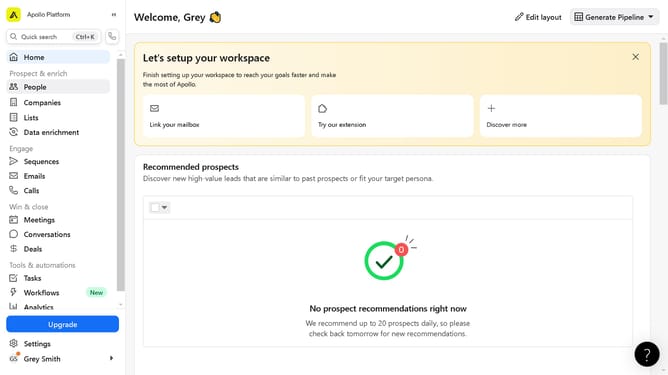
How to create a persona on Apollo
Here is how to create a persona on apollo
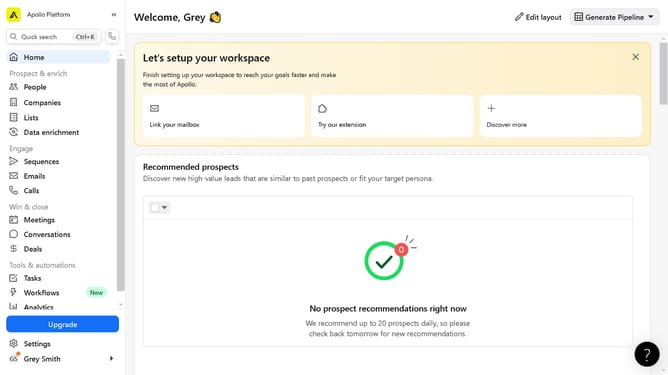
- First click on "Settings" in the left sidebar menu
- Next click on "Prospecting" in the left sidebar menu
- Then click on "Personas" in the expanded Prospecting menu
- Click on "Add Persona" button in the main content area
- Click in the Persona Name text field to enter a name
- Click on the "Job Titles" dropdown menu
- Select "Advanced" tab in the Job Titles section
- Click on "Industry & Keywords" dropdown section
- Click on "Location" dropdown section
- Configure the information on the "Contact" tab in the Location section
- Click on "Employees" dropdown section to access the details
- Next click on the "Save Persona" button to save your Persona settings
- Finally click the "Done" button to complete creating the persona
Why should you create a persona on Apollo
Apollo is a powerful platform designed to streamline sales and marketing efforts by providing robust data and insights.
Creating a persona on Apollo is a dynamic way to leverage detailed information about your target audience. This feature allows you to tailor marketing strategies by integrating specific customer demographics, preferences, and behaviors.
By using personas, businesses can enhance engagement, as content becomes more personalized and relevant, leading to increased conversions and customer satisfaction.
Last update