How to access an account profile on Apollo
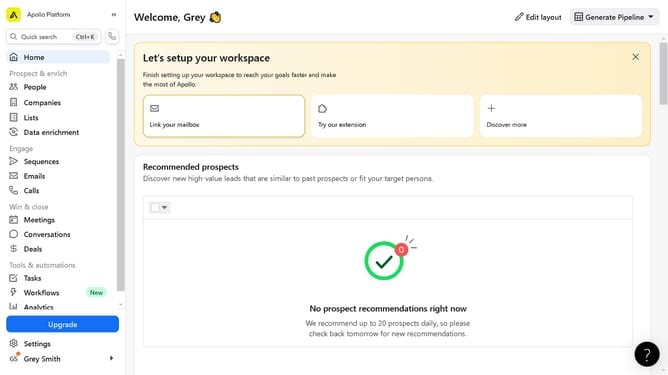
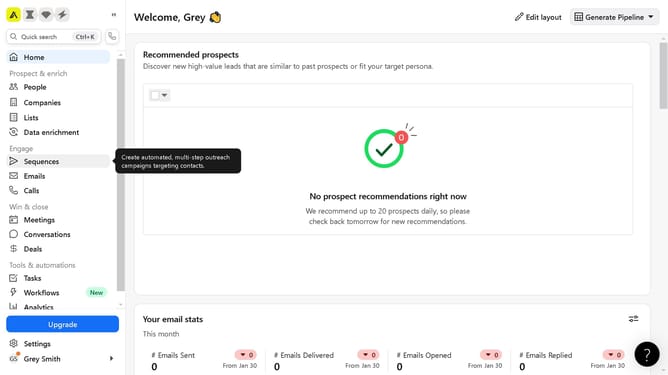
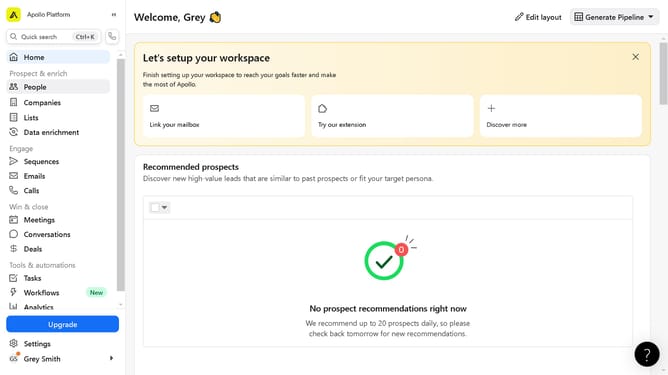
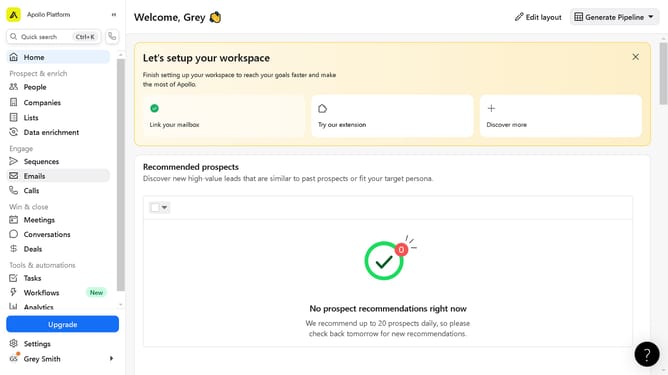
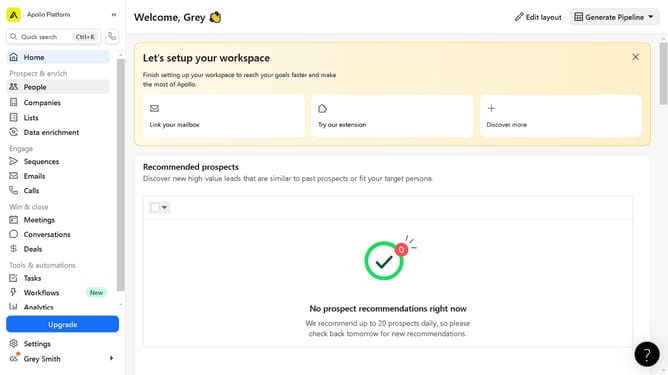
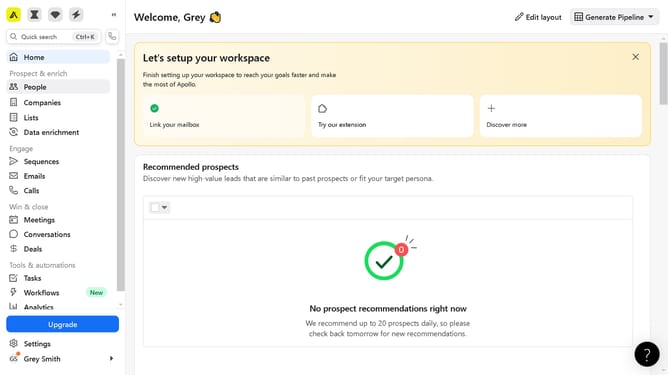
Here is how to access an account profile on apollo
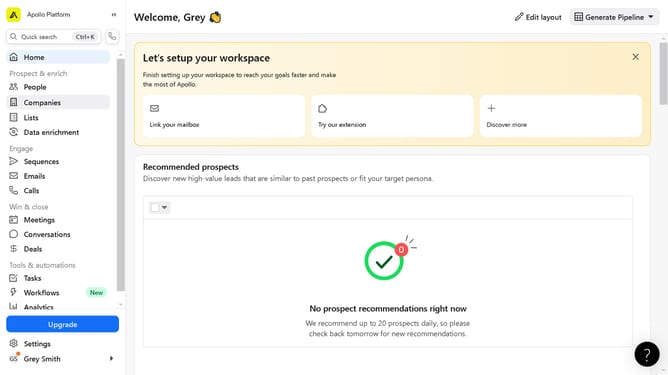
- First click on the "Companies" item in the left sidebar navigation menu
- Then click on the company name in the main companies list table
Why should you access an account profile on Apollo
Apollo is a revolutionary platform designed to streamline your networking and communication efforts.
Accessing an account profile on Apollo is intuitive, offering you a seamless experience to customize your settings and enhance your engagement.
By accessing your profile, you can update your personal information, ensuring that your network has the most current data to connect with you effectively.
This feature empowers you to manage your preferences effortlessly, optimizing your use of Apollo to foster meaningful connections and collaborations.
Last update