How to edit a contact or account owner on Apollo
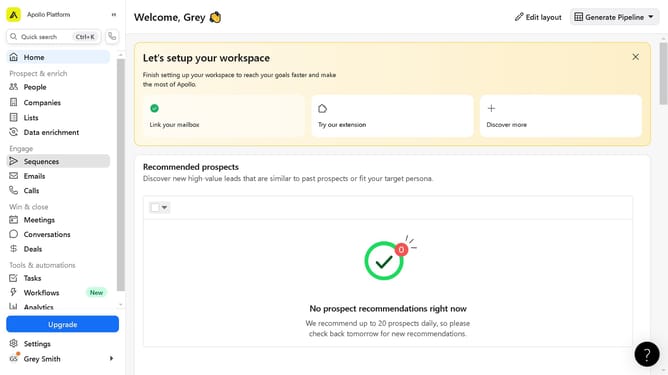
Here is how to edit a contact or account owner on apollo
- First click on "Companies" in the left sidebar menu
- Then click on the company name in the companies list
- Next click on the "Actions" dropdown button in the top right corner
- Select "Edit company info" from the Actions dropdown menu
- Next fill in the information fields in the Basic Information section
- Finally click the "Save Company" button in the top right of the Edit Company modal
Why should you edit a contact or account owner on Apollo
Apollo is an intuitive platform designed to streamline customer relationship management and drive sales success.
One of its key features is the ability to easily edit a contact or account owner, ensuring that your team is always up-to-date with the most accurate information.
This feature enhances collaboration by allowing sales teams to swiftly assign the right people to the right accounts, leading to improved communication and efficiency.
Ultimately, this capability helps businesses maintain a well-organized and responsive approach, fostering stronger client relationships and boosting productivity.
Last update