How to create a signal on Apollo
Here is how to create a signal on apollo
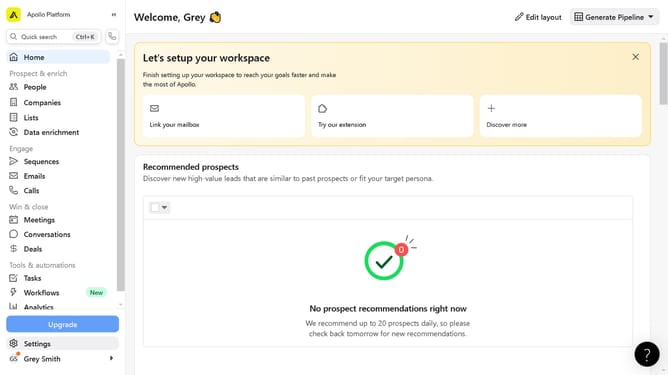
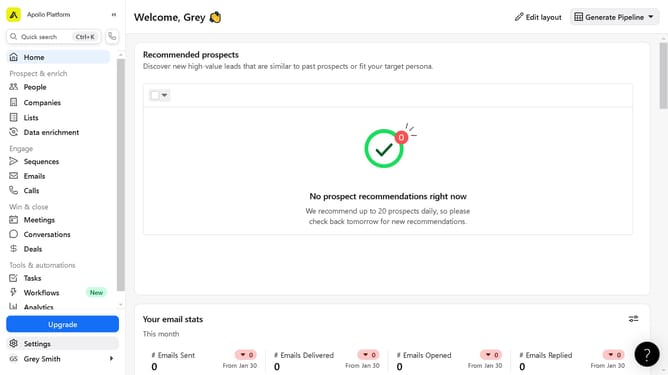
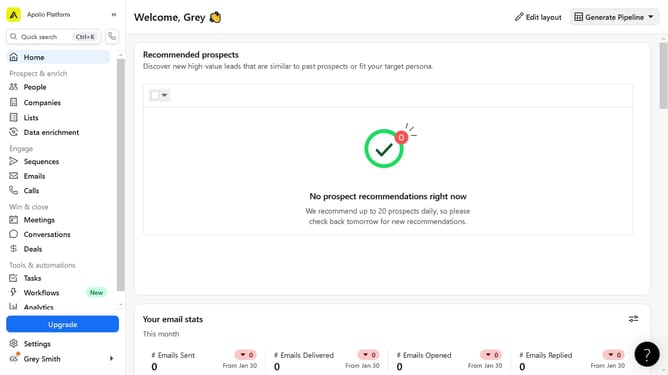
- First click on the "Settings" option in the left sidebar menu
- Then click on "Scoring and signals" in the left sidebar settings menu
- Next click on the "Signals" submenu item under Scoring and signals
- Click the "Create Signal" button in the top right corner of the signals page
- Fill in the empty fields of the categories in the signal details form
- Click the "Add filters" button in the Configuration section
- Finally click the "Save changes" button at the bottom right of the form
Why should you create a signal on Apollo
Apollo is a robust platform designed to transform your outreach by streamlining and optimizing sales processes.
Creating a signal on Apollo enables you to set specific criteria that alert you to relevant changes in your leads’ activities or industries, ensuring you never miss an opportunity.
Utilizing Apollo's signal feature keeps you informed, allowing you to tailor your engagements and boost your conversion rates.
This proactive approach means more relevant interactions and ultimately more success in your outreach strategies.
Last update