How to filter people by name in Apollo
Here is how to filter people by name in apollo
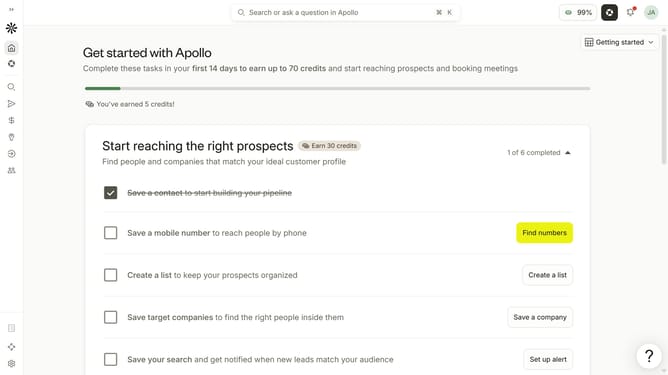
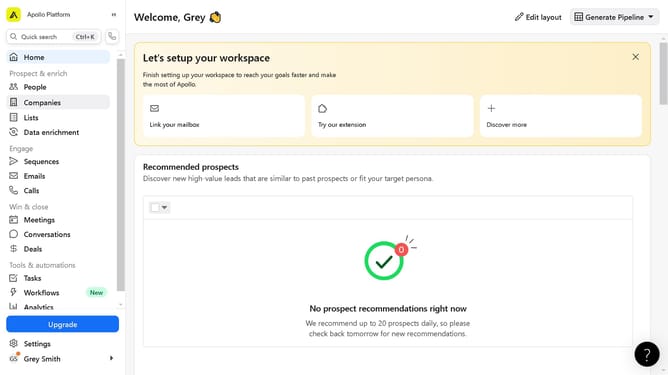
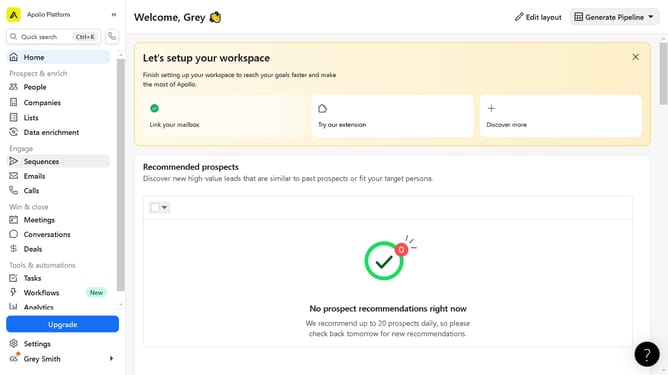
- First click on the search icon in the left sidebar
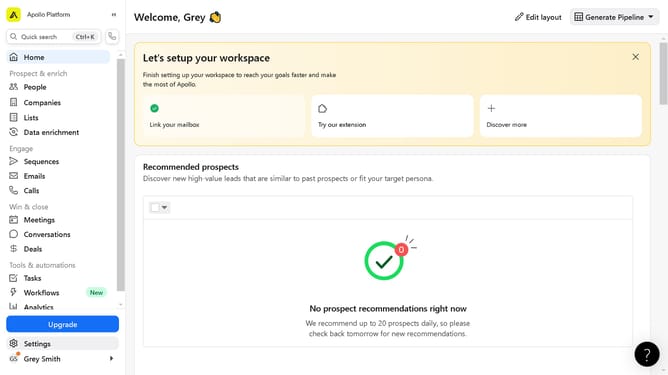
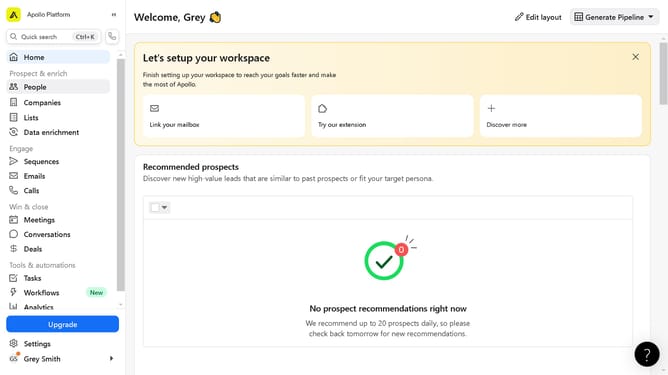
- Then click on the "People" option from the dropdown menu
- Next, click on the "Name" filter option in the sidebar
- Finally, enter a name in the name input field
Why should you How to filter people by name in Apollo
Apollo is an innovative platform designed to enhance your outreach and engagement strategies by providing robust tools for lead generation and sales intelligence.
One standout feature of Apollo is its ability to filter people by name, a tool that brings precision to your searches. This feature allows you to quickly locate contacts and prospects, saving valuable time and effort by narrowing down your search to specific individuals.
Using this feature not only increases efficiency but also ensures that your outreach is targeted and personalized. Identifying the right contacts quickly enhances your ability to build meaningful connections and makes your workflow more streamlined.
Last update