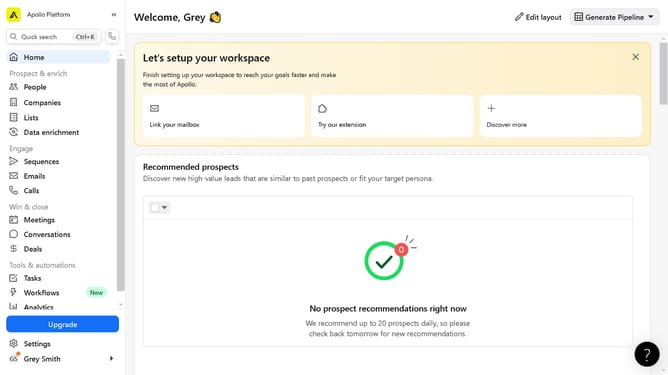
How to exclude specific current companies in a job search Apollo
Here is how to exclude specific current companies in a job search apollo
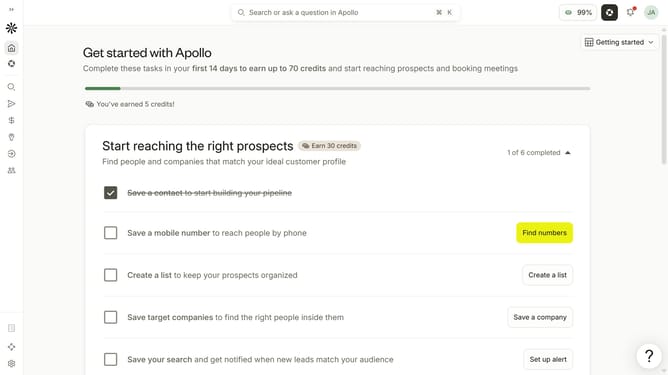
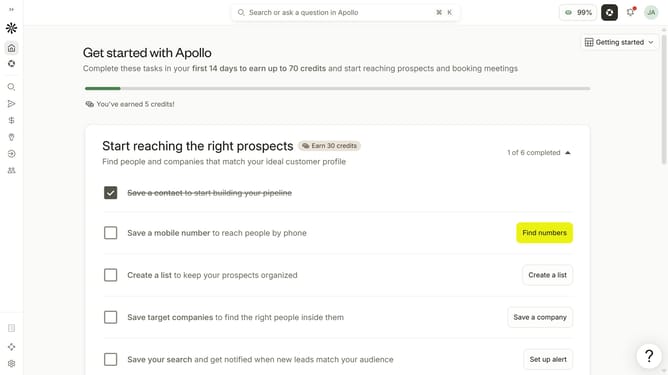
- First click on the magnifying glass icon in the left sidebar
- Then click on "People" in the opened menu
- Next click on the dropdown arrow next to "Company" in the left panel
- After that, click on the "Is none of" button
- Then click on the "Enter companies" input field and enter the excluded company name
- Finally select from the list of suggested companies
Why should you How to exclude specific current companies in a job search Apollo
Apollo is a cutting-edge platform designed to streamline and elevate your job search experience. This innovative tool allows users to refine their search parameters by excluding current companies from potential opportunities.
This powerful feature ensures that your job hunt remains discreet and focused, preventing inadvertent overlap with current employers. By filtering out specific companies, you can target your job search more effectively, ensuring you only see openings that align with your career aspirations.
Apollo's exclusion feature saves valuable time and maintains professionalism, offering a tailored approach that respects your current employment boundaries while exploring new horizons.
Last update