How to disable receiving email notifications for free data credit reminders in Apollo
Here is how to disable receiving email notifications for free data credit reminders in apollo
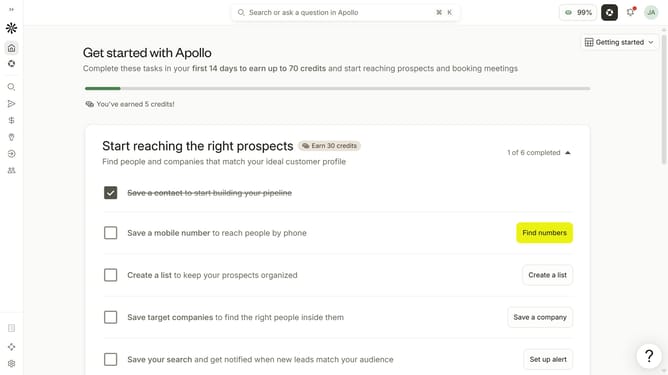
- First click on the user avatar in the top right corner of the header
- Then click on "Your profile" in the dropdown menu
- Next click on "Notification settings" item in the left sidebar
- Then uncheck the checkbox for "Receive free data credit reminders" to disable it
- Finally click on the "Save" button to apply the changes
Why should you How to disable receiving email notifications for free data credit reminders in Apollo
Apollo is a powerful tool that streamlines your digital experience by offering efficient data management solutions.
One standout feature in Apollo is the ability to disable email notifications for free data credit reminders. This can significantly enhance your inbox management by reducing unnecessary emails, allowing you to focus on more important messages.
By customizing your notification preferences, you maintain control over your communication channels and ensure that your attention is only captured by the most relevant updates. This streamlined approach not only saves time but also contributes to a more organized digital workspace.
Last update