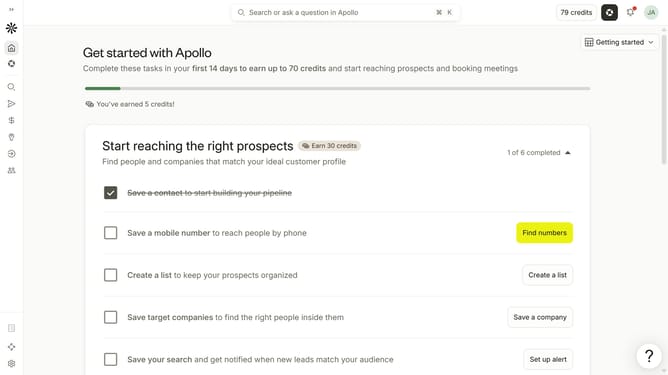
How to search companies by last activity date in Apollo
Here is how to search companies by last activity date in apollo
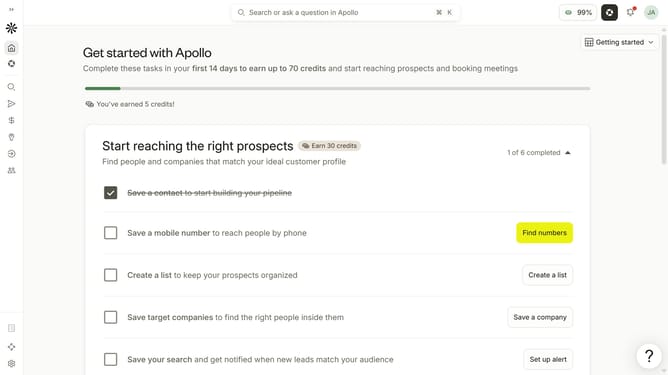
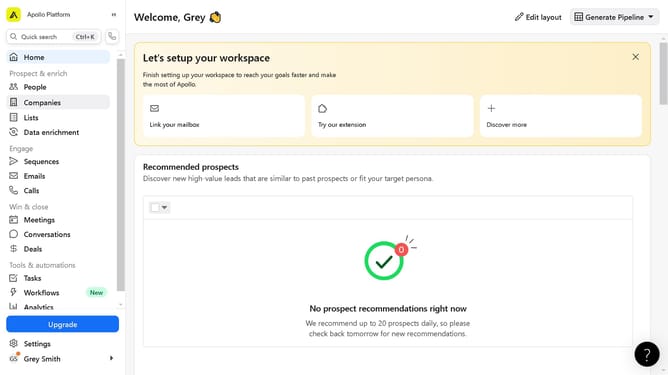
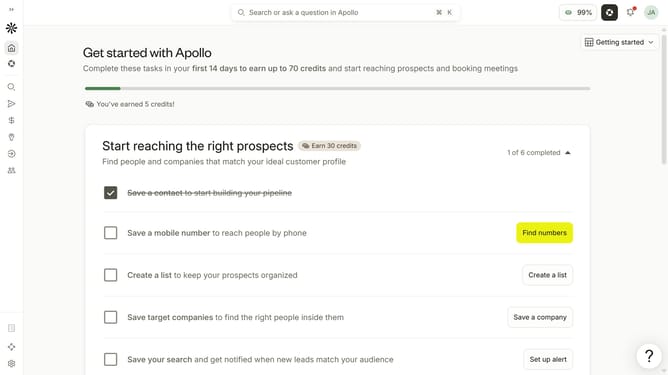
- First click on the search icon on the left sidebar
- Then click on "Companies" in the dropdown menu
- Click on the dropdown arrow next to "Last Activity" in the filters panel
- Click on the "From" input field to open the date picker
- Select a start date in the calendar
- Click on the "To" input field to open the date picker
- Finally, select an end date in the calendar
Why should you How to search companies by last activity date in Apollo
Apollo is a powerful platform tailored for empowering businesses with comprehensive sales intelligence and engagement tools.
One of its standout features is the ability to search companies by their last activity date. This feature allows users to efficiently identify companies with recent interactions, providing a timely opportunity to engage with them.
Utilizing this feature ensures that your sales and marketing efforts are directed toward companies showing recent activity, increasing the likelihood of successful outreach and fostering meaningful connections.
Last update