How to filter search results to exclude companies already added to a list on Apollo
Here is how to filter search results to exclude companies already added to a list on apollo
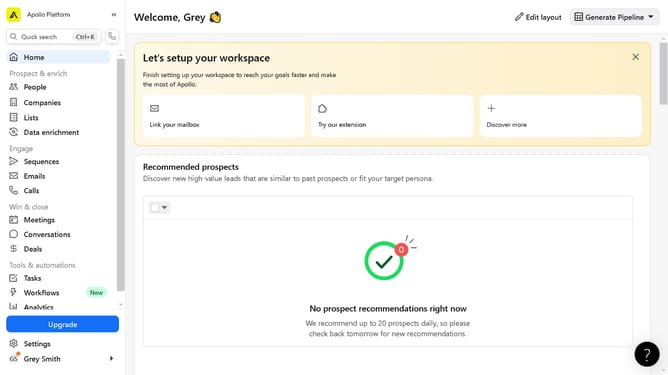
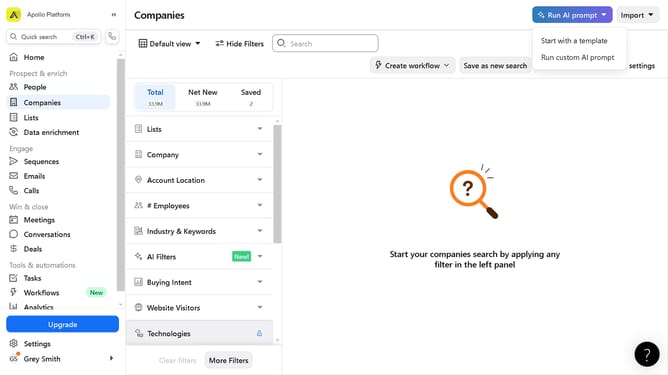
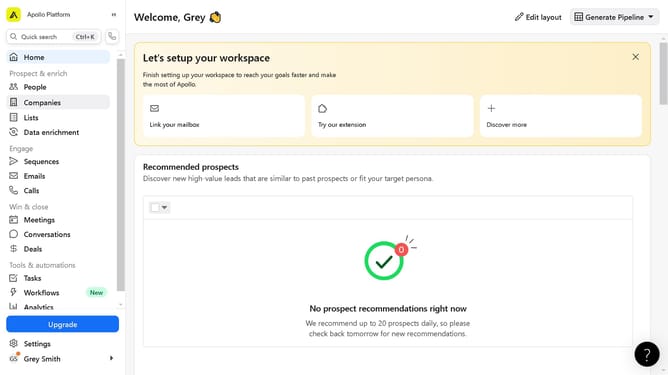
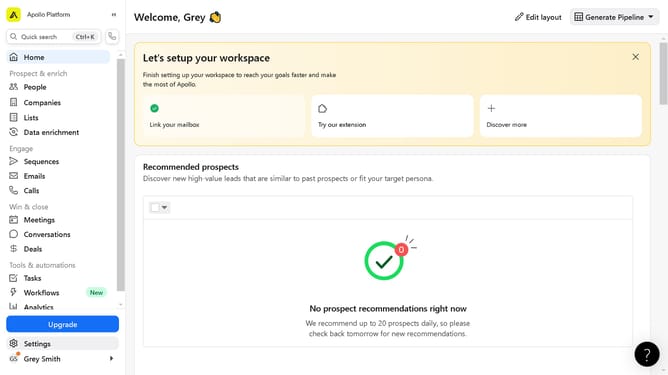
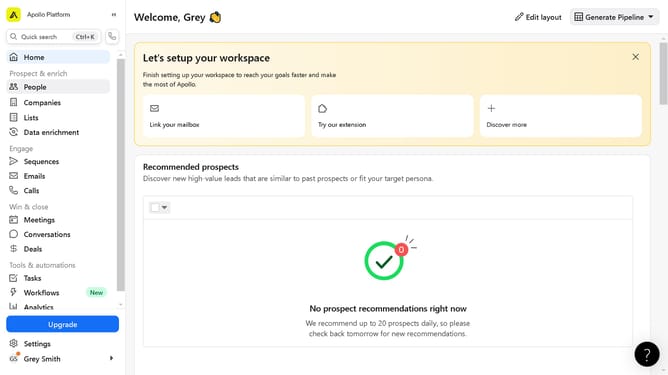
- First click on the "Companies" option in the left sidebar navigation menu
- Then click on the "Lists" filter section in the left filter panel
- Next click on "Advanced settings" link in the Lists filter dropdown
- Finally click on "Exclude" section in the expanded Lists filter section
Why should you filter search results to exclude companies already added to a list on Apollo
Apollo is a versatile platform designed to enhance your business outreach by streamlining contact and company data management.
The feature to filter search results and exclude companies already added to a list enhances efficiency by preventing duplication. This ensures your sales team can focus on discovering new prospects rather than revisiting the same organizations.
Using this feature optimizes time management and enhances your strategic approach to outreach, ensuring fresh opportunities are prioritized. It keeps your lists organized and the workflow seamless.
Last update