How to add contacts to a sequence on Apollo
Here is how to add contacts to a sequence on apollo
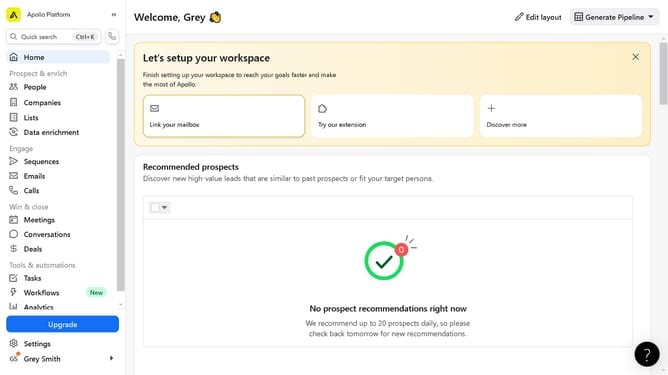
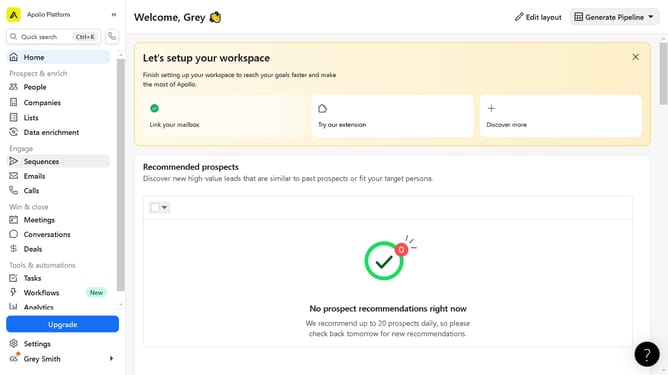
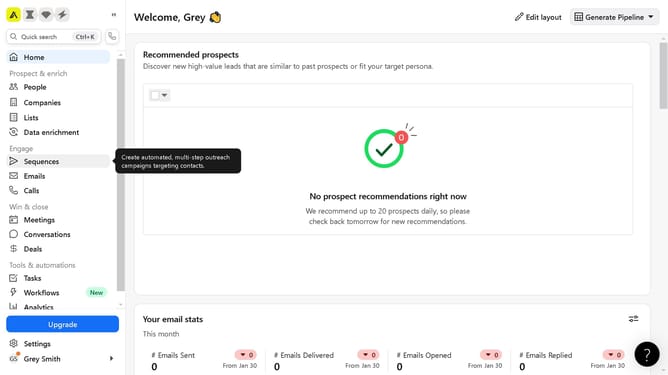
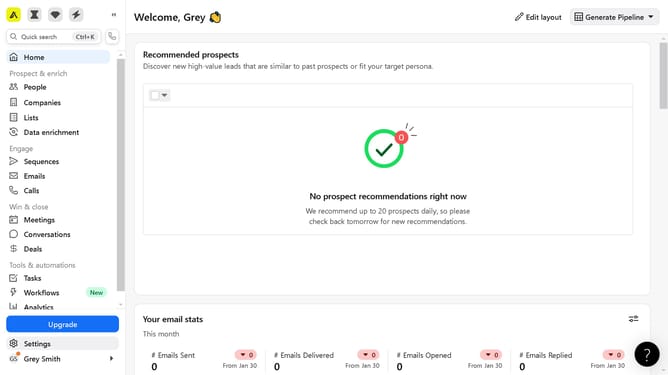
- First click on "People" in the left sidebar navigation menu
- Then click on the "Saved" tab in the main content area
- Next click on the person in the list of contacts
- Then click on the "Add to sequence" button in the top right corner of the contact details page
- Click on "Add to Apollo sequence" option from the dropdown menu
- Click on the dropdown field in the modal window
- Select the automation to apply from the sequence options list
- Finally click on the "Add 1 contact" button in the modal window
Why should you add contacts to a sequence on Apollo
Apollo is an intuitive platform designed to revolutionize your outreach strategy by streamlining contact management and campaign automation.
Adding contacts to a sequence on Apollo is seamless and efficient, ensuring your outreach efforts are both organized and personalized. By incorporating this feature, users can easily manage and nurture their relationships with prospects over time.
This process not only saves time but also enhances engagement by delivering targeted communication. Utilizing sequences maximizes productivity and ensures no potential lead is overlooked.
Last update