How to add contacts automatically to a sequence with workflows on Apollo
Here is how to add contacts automatically to a sequence with workflows on apollo
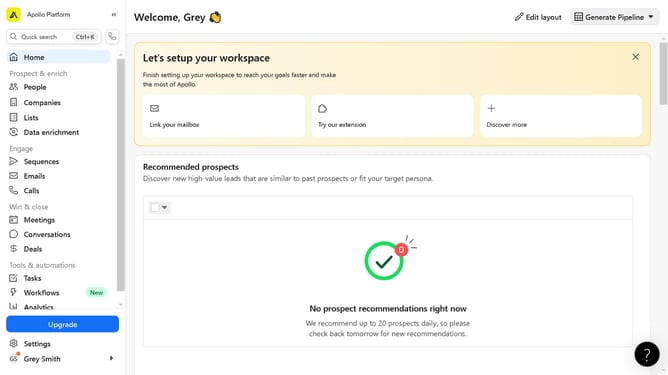
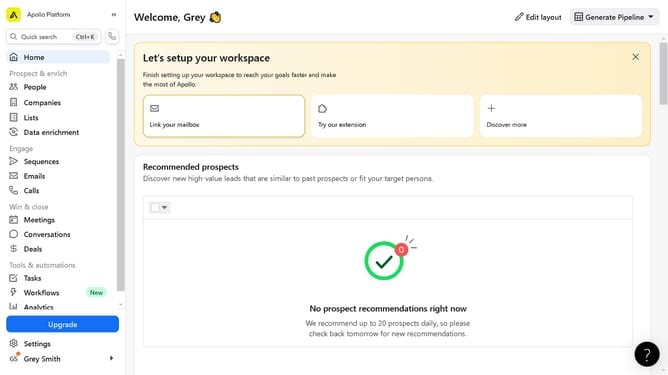
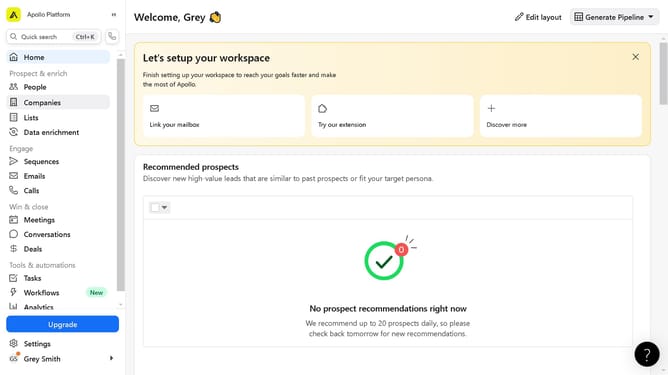
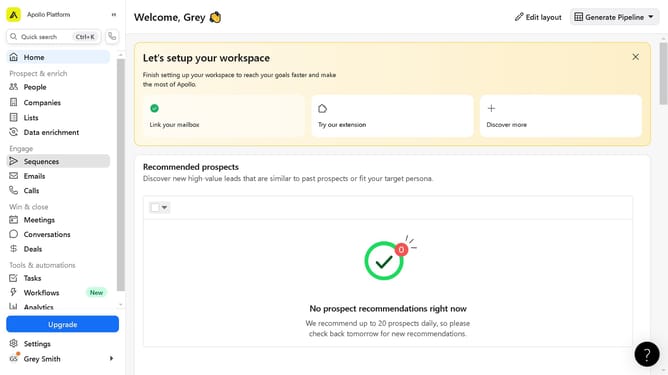
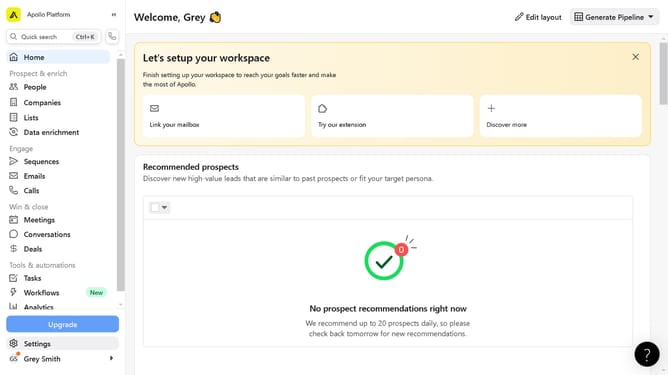
- First click on "Sequences" in the left sidebar menu under the Engage section
- Then click on the sequence name in the main content area
- Next click on "Add Contacts" button in the top right corner of the sequence view
- Then click on "Automate adding contacts" option from the dropdown menu
- In the workflow builder, configure the section the automation
- Click on "Save" button in the top right corner of the workflow page
- Then click on the empty text section in the workflow settings to input the name of the automation
- Finally click on "Save" button again to complete the workflow setup
Why should you add contacts automatically to a sequence with workflows on Apollo
Apollo is a powerful platform designed to supercharge your sales and marketing outreach by automating important tasks.
One standout feature is the ability to add contacts automatically to a sequence using workflows. This feature ensures that your contacts are seamlessly integrated into targeted sequences without manual intervention.
Utilizing this automation streamlines your workflow, saving you valuable time while improving accuracy. It allows you to focus on strategic actions rather than repetitive tasks, enhancing overall productivity and efficiency.
Last update