How to filter contacts based on their time in their current role in Apollo
Here is how to filter contacts based on their time in their current role in apollo
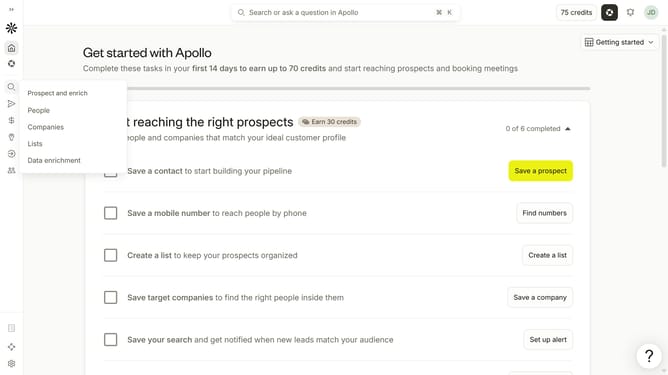
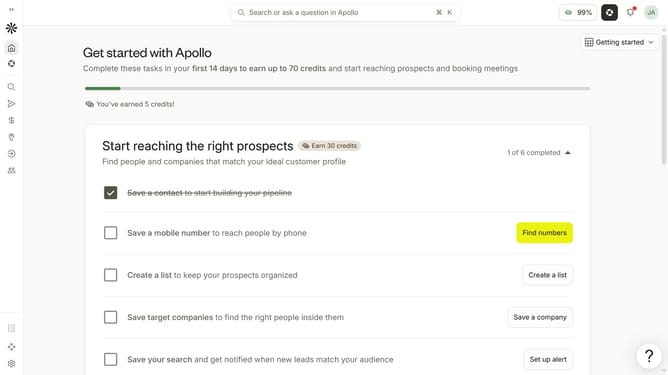
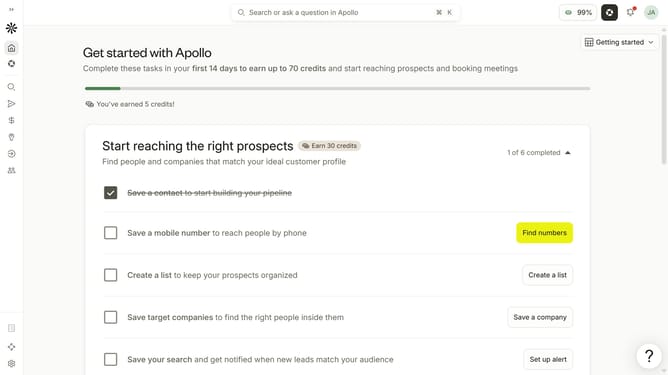
- First click on the search icon in the left sidebar
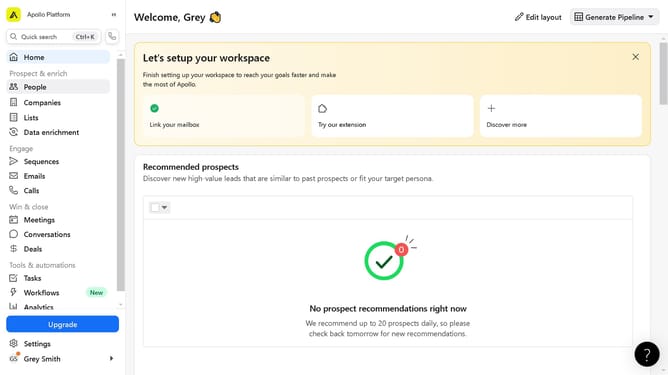
- Then click on the "People" option from the dropdown menu
- Next, click on the dropdown arrow next to 'Time in Current Role' in the sidebar
- Then, click on the 'Years' input field under 'Min' and enter a value
- After that, click on the 'Months' input field under 'Min' and enter a value
- Then, click on the 'Years' input field under 'Max' and enter a value
- Finally, click on the 'Months' input field under 'Max' and enter a value
Why should you How to filter contacts based on their time in their current role in Apollo
Apollo is an advanced platform designed to supercharge your sales and marketing strategies by connecting you with the right leads at the right time.
The feature that allows you to filter contacts based on their time in their current role is particularly useful for gaining insights into professional stability and experience. By filtering contacts this way, you can target individuals who may be more open to exploring new opportunities if they've been in a role for a significant time, or those newly appointed who might be keen to implement changes.
Leveraging this filter aligns your outreach with your contacts' career trajectory, ensuring more meaningful and relevant interactions. Ultimately, it enhances the effectiveness of your engagement strategies by focusing your efforts on the most promising prospects.