How to deactivate a persona on Apollo
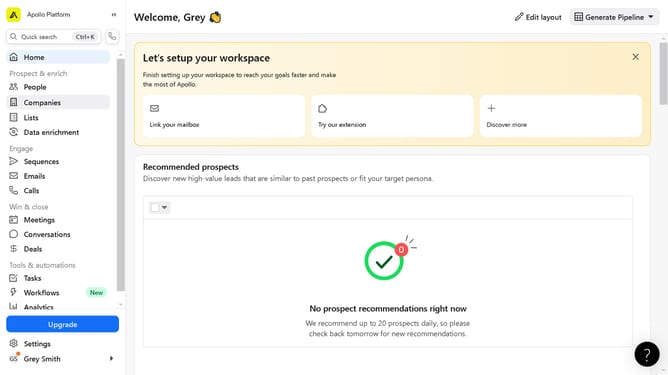
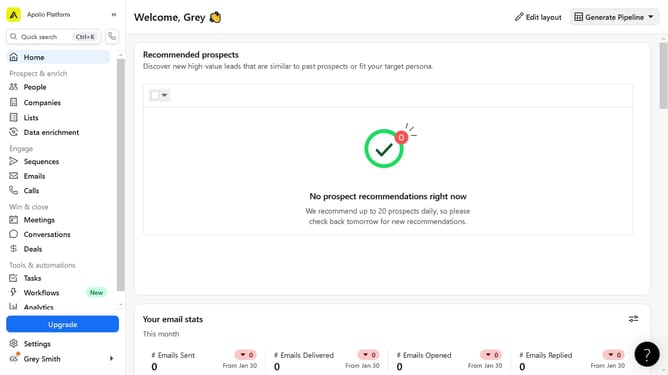
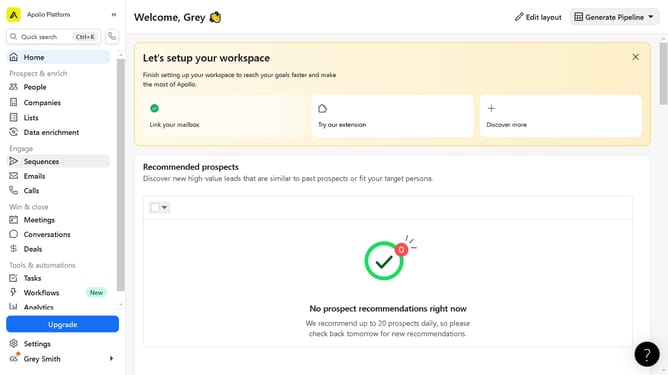
Here is how to deactivate a persona on apollo
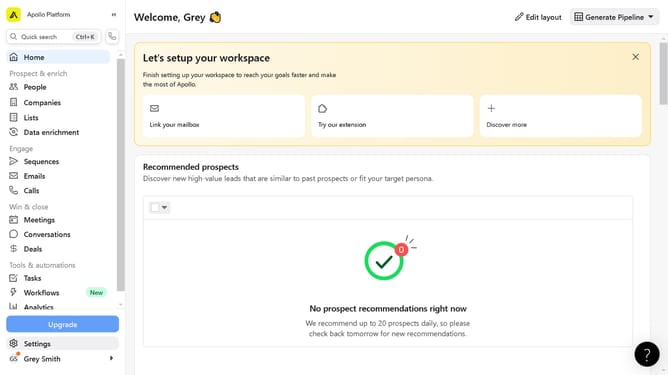
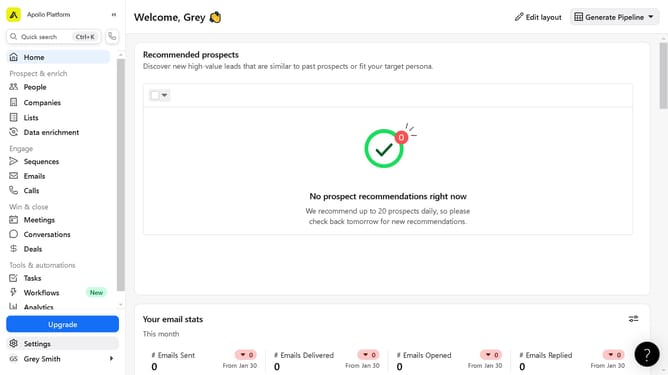
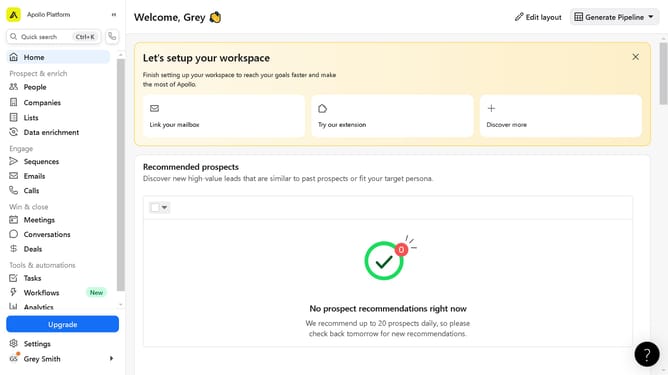
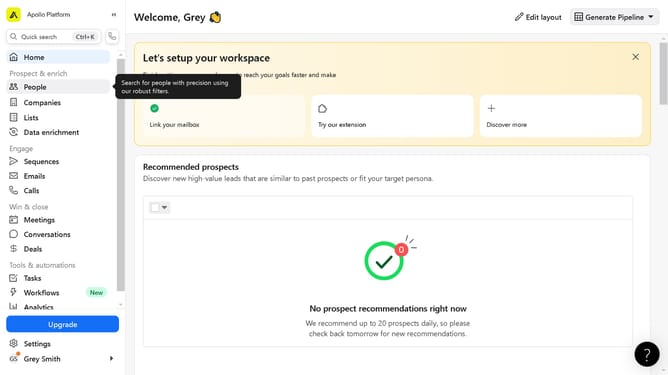
- First click on the "Settings" link in the left sidebar menu
- Then click on "Prospecting" item in the left sidebar settings menu
- Next click on "Personas" option under the Prospecting section in the left sidebar
- Finally click on toggle button in the Personas Settings page
Why should you deactivate a persona on Apollo
Apollo is a powerful platform that empowers users to streamline communication with advanced persona management tools.
Deactivating a persona on Apollo helps ensure that your messaging stays relevant and targeted, keeping your communication strategy agile and effective.
This feature offers the advantage of maintaining clarity and focus in interactions, preventing outdated personas from clouding your objectives.
By selectively deactivating personas, users can concentrate their efforts where it counts, enhancing the impact and efficiency of their outreach.
Last update