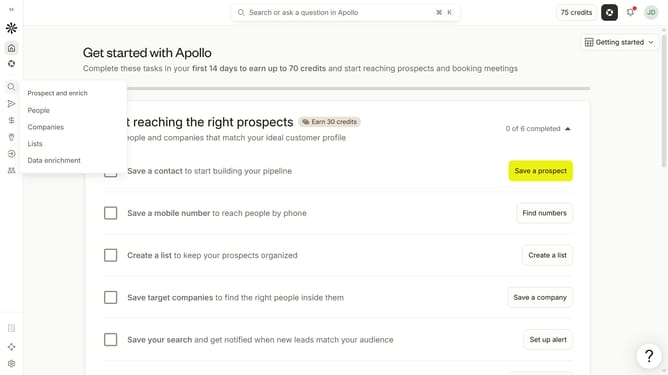
How to filter people with unverified emails in Apollo
Here is how to filter people with unverified emails in apollo
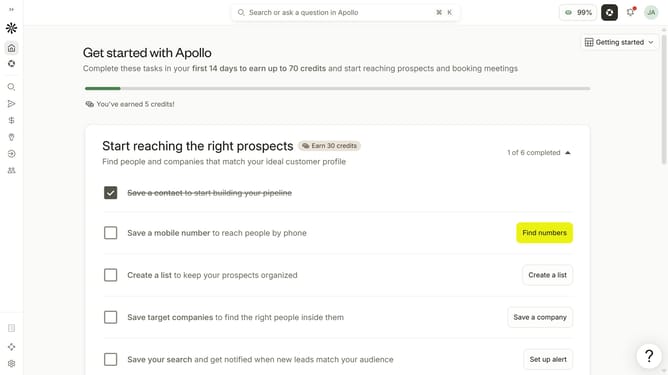
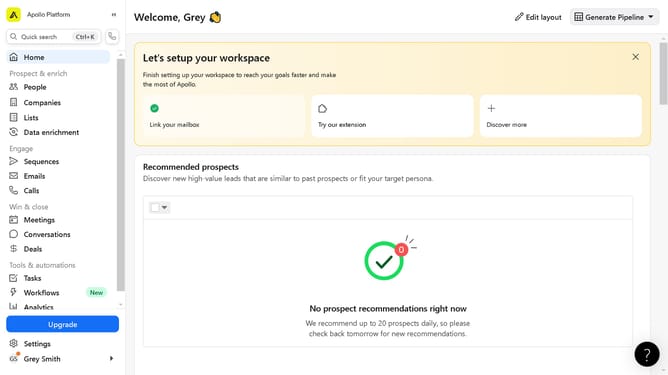
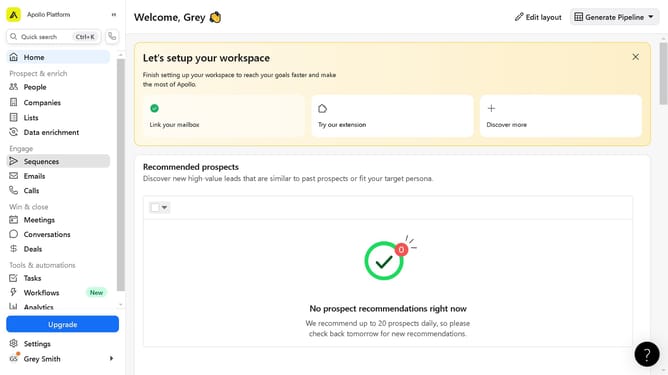
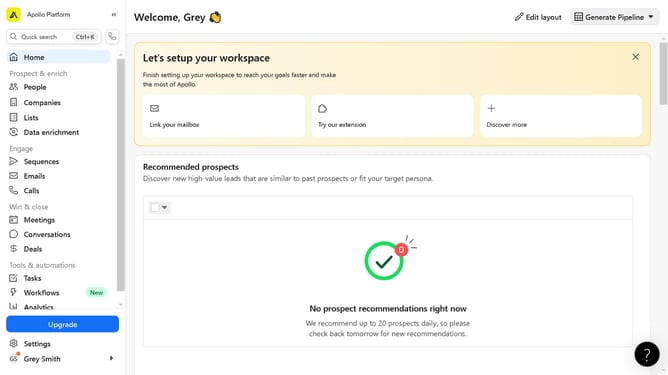
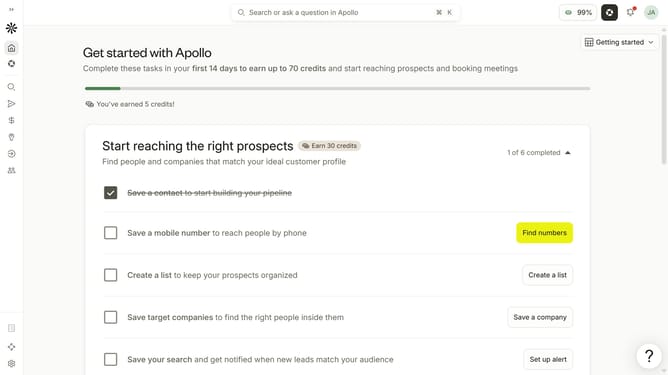
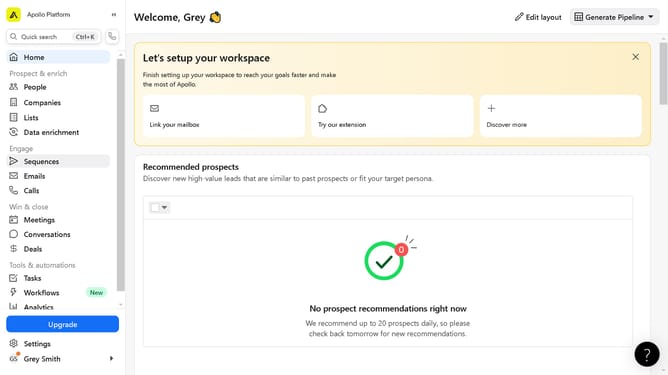
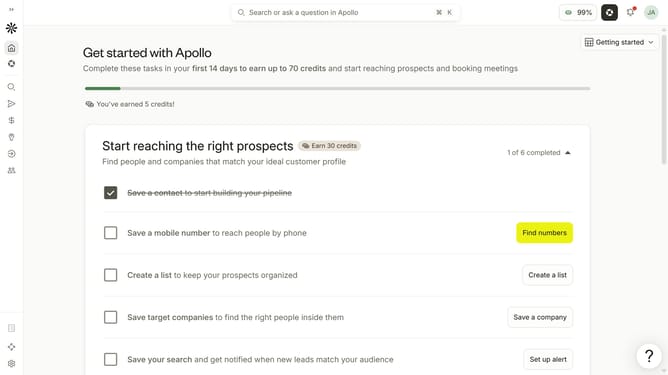
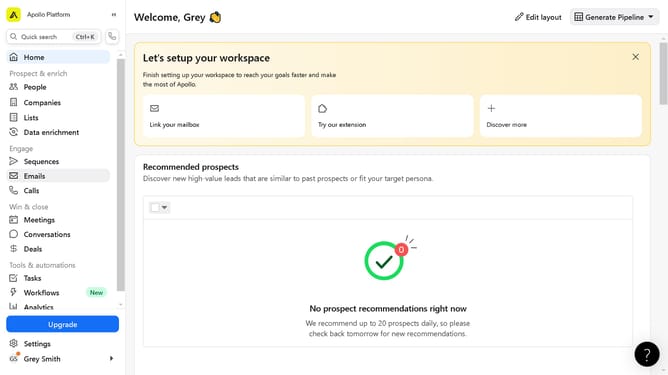
- First click on the search icon in the left sidebar
- Then click on the "People" option from the dropdown menu
- Next, click on the "Email Status" filter in the sidebar
- Finally, click on the "Unverified" checkbox
Why should you How to filter people with unverified emails in Apollo
Apollo is a dynamic platform designed to enhance your outreach and sales effectiveness.
One of its standout features is the ability to filter people with unverified emails. This functionality optimizes your communication strategy by allowing you to focus on high-quality leads, ensuring your efforts are directed towards verified contacts who are more likely to engage.
Utilizing this filter not only improves deliverability rates but also protects your sender reputation, maintaining your standing in email ecosystems. This focus saves time and resources, enabling more precise and effective outreach, and ultimately driving successful connections.
Last update