How to search companies by job title in Apollo
Here is how to search companies by job title in apollo
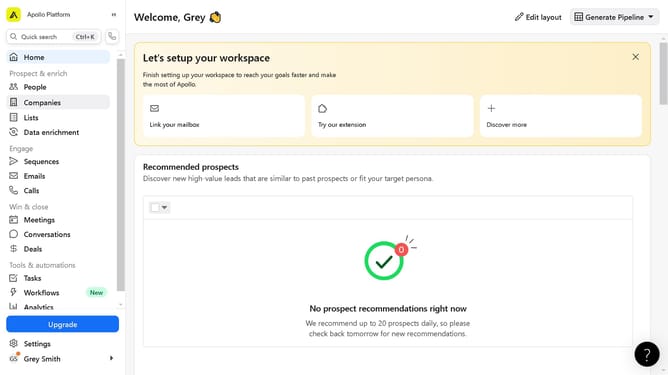
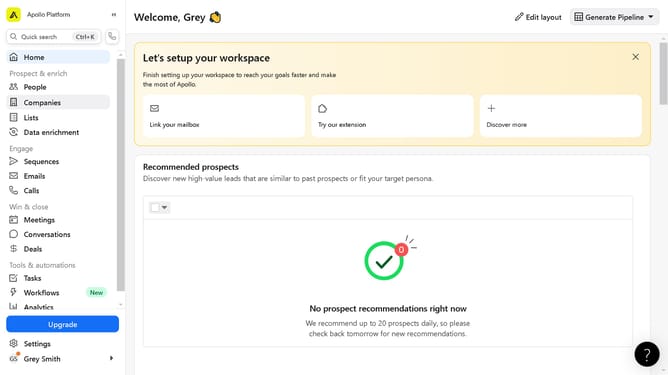
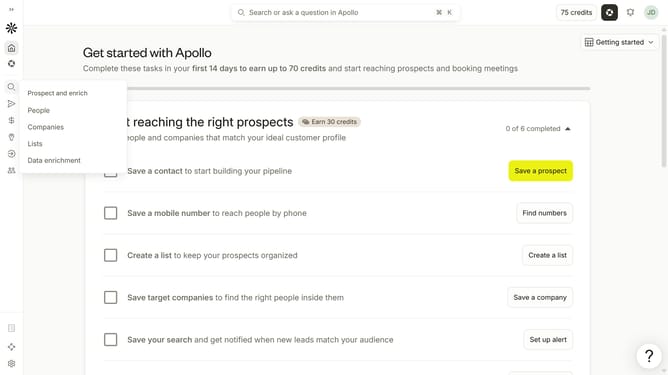
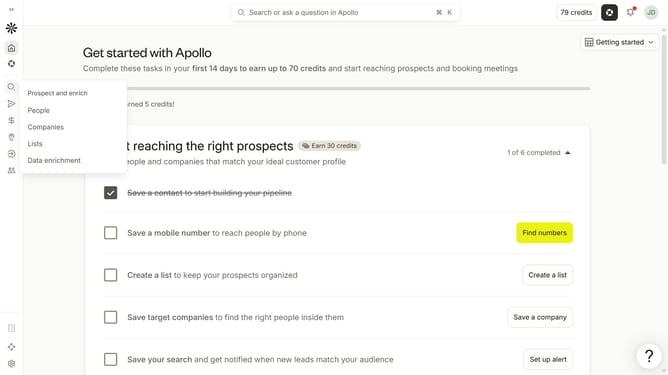
- First click on the search icon on the left sidebar
- Then click on "Companies" in the dropdown menu
- Next, click on the arrow next to "Job Titles" in the left sidebar
- Then click on the "Search for a job title" dropdown under "Include"
- Finally, select a job title from the list
Why should you How to search companies by job title in Apollo
Apollo is a dynamic platform designed to streamline prospecting and sales strategies by offering comprehensive data solutions.
One of Apollo's standout features is its ability to search companies by job title. This feature is invaluable for pinpointing organizations where specific roles are crucial, allowing users to target their outreach efforts more precisely. By narrowing searches to companies with pertinent job titles, you can ensure your messaging aligns perfectly with potential clients' needs and roles.
Using this feature empowers sales teams to efficiently identify potential leads and decision-makers, fostering better connections and optimizing outreach campaigns. With targeted insights, engagement becomes more relevant, leading to increased conversion possibilities and enhanced business growth.