How to enable including people with similar titles in a job search in Apollo
Here is how to enable including people with similar titles in a job search in apollo
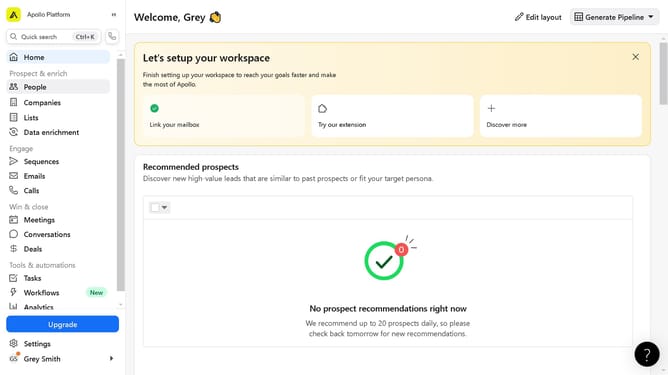
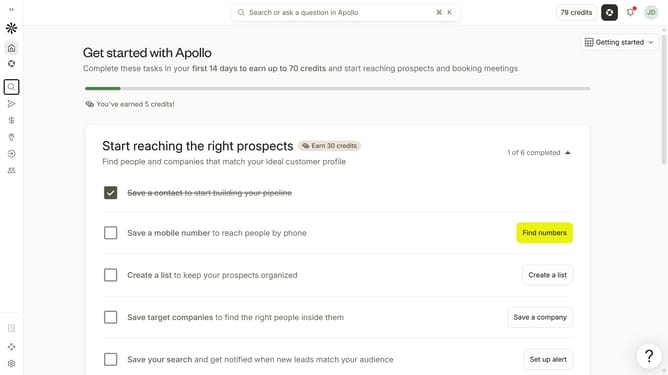
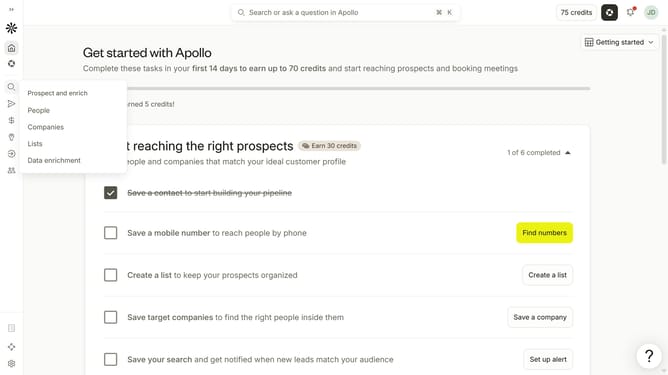
- First click on the magnifying glass icon in the left sidebar
- Then click on "People" in the opened menu
- Then click on the "Job Title" dropdown
- Finally click on the checkbox next to "Include people with similar titles"
Why should you How to enable including people with similar titles in a job search in Apollo
Apollo is a cutting-edge platform designed to optimize and elevate your job search experience.
One of Apollo’s standout features is the ability to include people with similar job titles in your search. By utilizing this option, you open doors to a broader range of potential opportunities.
This feature not only expands your reach but also provides deeper insights into industry trends and roles. It's invaluable for discovering diverse potential contacts and understanding the landscape of positions similar to your target role.
Using this option enables a more comprehensive job search, ensuring you don't overlook opportunities that might otherwise slip through the cracks.
Last update