How to exclude list of companies in a job search Apollo
Here is how to exclude list of companies in a job search apollo
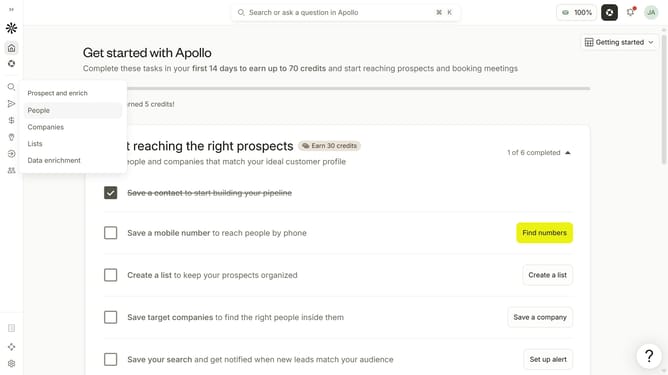
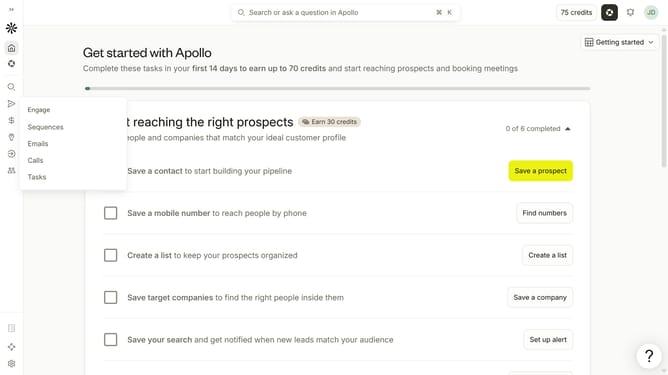
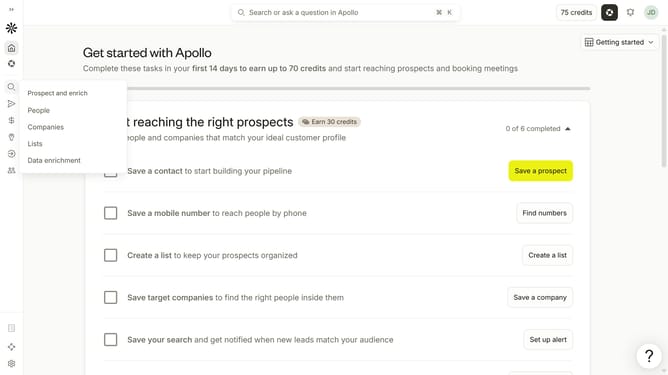
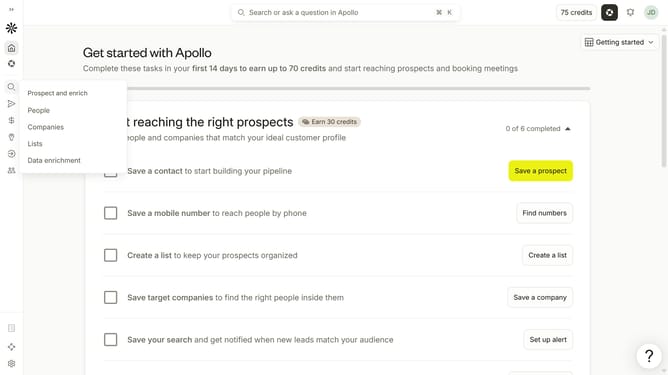
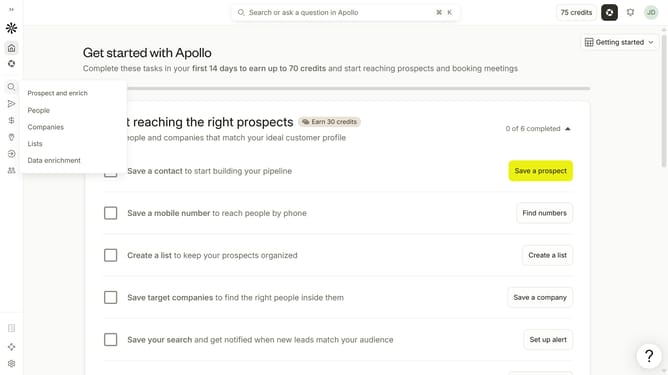
- First click on the magnifying glass icon in the left sidebar
- Then click on "People" in the opened menu
- Next click on the dropdown arrow next to "Company" in the left panel
- Then click on the dropdown arrow next to "Include / exclude list of companies"
- Next, type company details into the text field
- Finally click on the "Save and Search" button
Why should you How to exclude list of companies in a job search Apollo
Apollo is an innovative platform designed to enhance your job search experience by providing customized functionalities.
One standout feature is its ability to exclude a list of companies from your job search. This tailored approach allows you to focus on opportunities that truly align with your career goals.
By excluding certain companies, you can streamline your search, reduce irrelevant results, and save valuable time. This ensures a more efficient and targeted job search process, ultimately leading you to better job matches and opportunities that excite you.
Last update