How to exclude past titles in a job search in Apollo
Here is how to exclude past titles in a job search in apollo
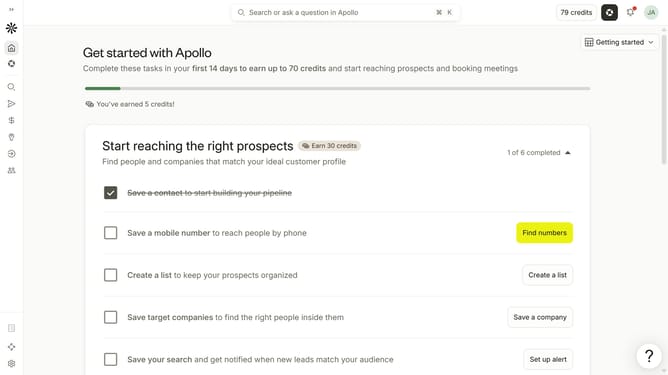
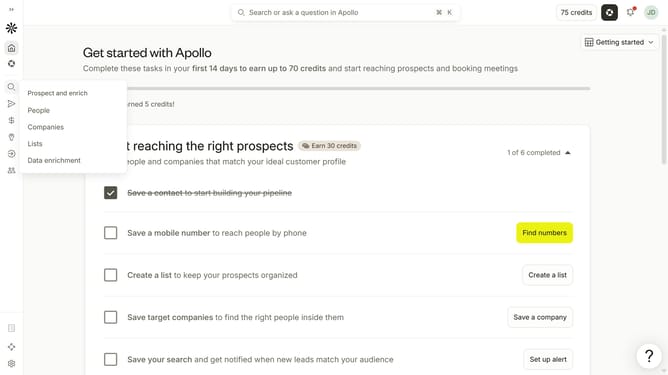
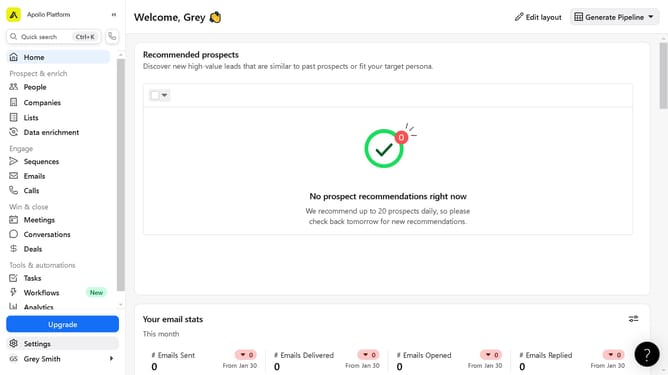
- First click on the magnifying glass icon in the left sidebar
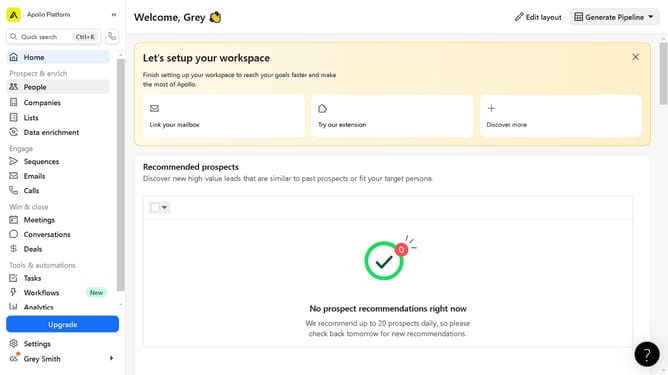
- Then click on "People" in the opened menu
- Next click on the dropdown arrow next to "Job Titles" in the left panel
- After that, click on the "Past job titles" dropdown menu
- Then click on the "Enter past titles to exclude" dropdown
- Finally click on a job title from the dropdown
Why should you How to exclude past titles in a job search in Apollo
Apollo is an innovative platform designed to streamline job searches by offering tailored filtering options for maximum efficiency.
One standout feature of Apollo is the ability to exclude past job titles from your search. This helps refine your results, ensuring you only see opportunities that match your current career aspirations, rather than reruns of previous roles.
Using this feature means you can focus on growth and new challenges, saving time and boosting productivity by narrowing down relevant opportunities aligned with your goals.
Last update