How to filter people by industry including a specific keyword in Apollo
Here is how to filter people by industry including a specific keyword in apollo
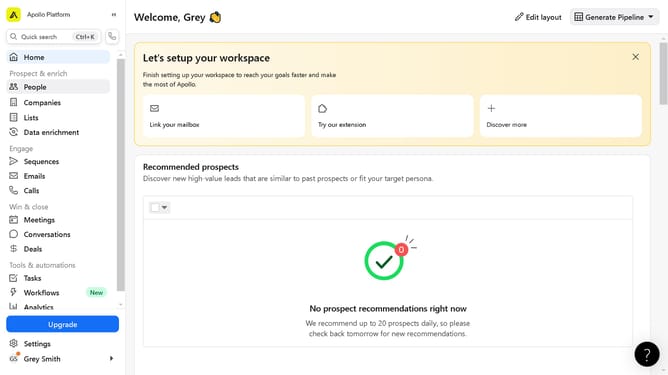
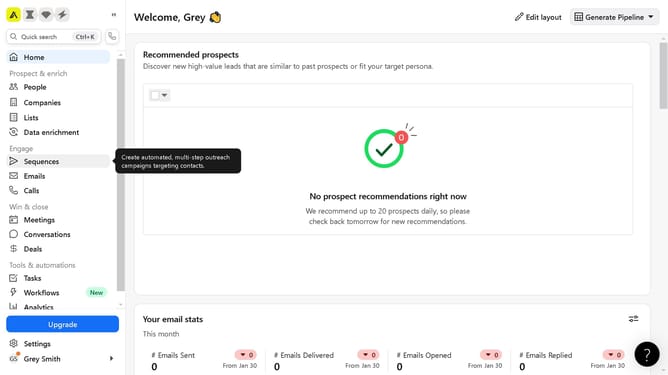
- First click on the search icon in the left sidebar
- Then click on the "People" option from the dropdown menu
- Next, click on the "Industry & Keywords" dropdown in the left sidebar
- Then click on the "Include ALL" checkbox
- Next, click on the "Include all keywords" dropdown menu
- Finally select from the list of keywords
Why should you How to filter people by industry including a specific keyword in Apollo
Apollo is a dynamic platform designed to enhance business connections through powerful search capabilities.
One of Apollo's standout features is its ability to filter people by industry, helping users pinpoint contacts that align with their business needs. By integrating a specific keyword in the search, you can further narrow down potential connections, ensuring relevance and precision in your networking efforts.
This advanced filtering saves time and enhances networking efficiency by streamlining the process of finding industry-specific contacts. Leveraging this feature, businesses can swiftly identify and engage with ideal partners or prospects, maximizing opportunities for growth and collaboration.
Last update