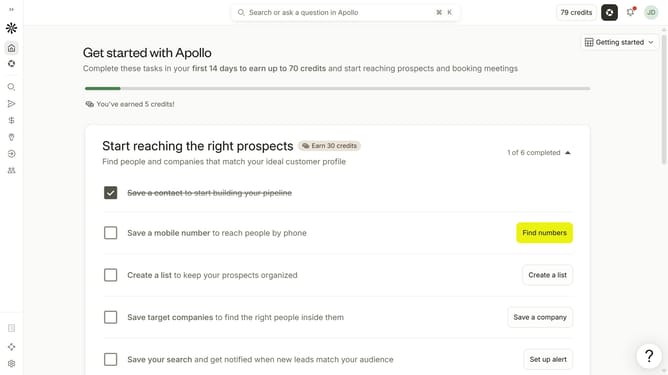
How to filter people by industry in Apollo
Here is how to filter people by industry in apollo
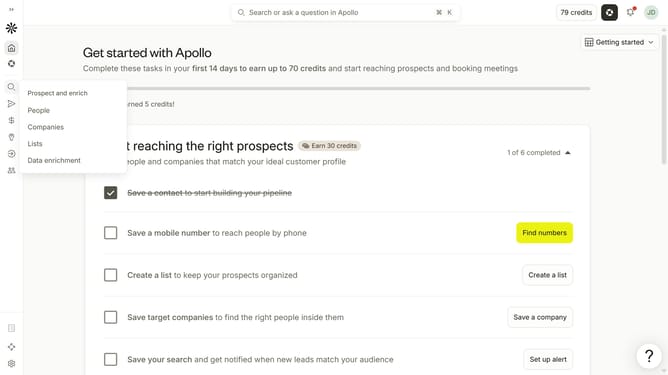
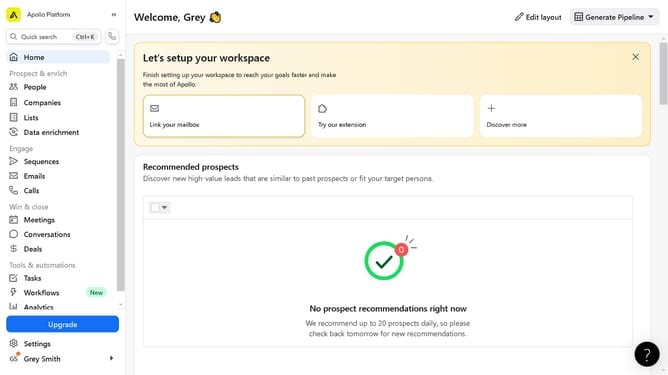
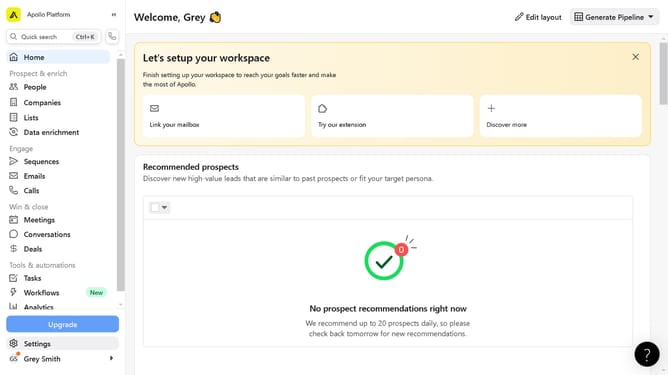
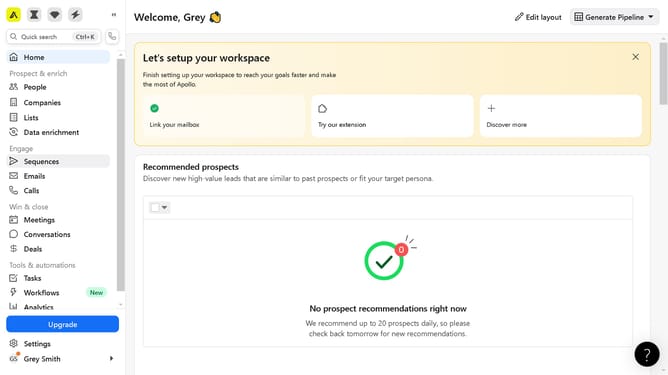
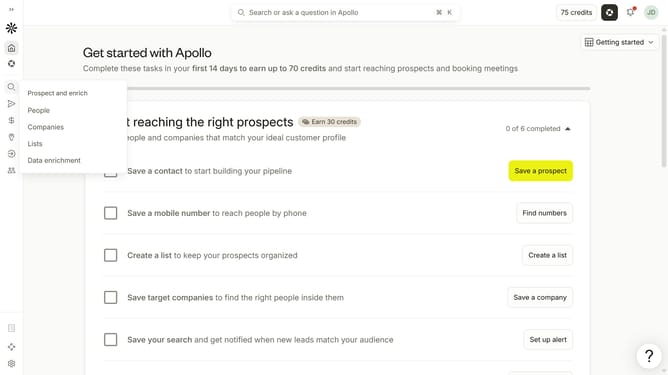
- First click on the search icon in the left sidebar
- Then click on the "People" option from the dropdown menu
- Next, click on the "Industry & Keywords" dropdown in the left sidebar
- After that, click on the "Search industries" dropdown
- Finally, select from the list of industries
Why should you How to filter people by industry in Apollo
Apollo, a powerful platform for sales intelligence and engagement, helps professionals connect by leveraging detailed data insights.
One of Apollo's standout features is the ability to filter people by industry, offering a seamless way to refine search results to match specific business needs.
This feature enhances networking strategies by allowing users to pinpoint key individuals in relevant sectors, fostering targeted communication and meaningful connections.
By utilizing this filtering, users boost efficiency, ensuring efforts are concentrated on the most promising opportunities within their industry.
Last update