How to archive a sequence on Apollo
Here is how to archive a sequence on apollo
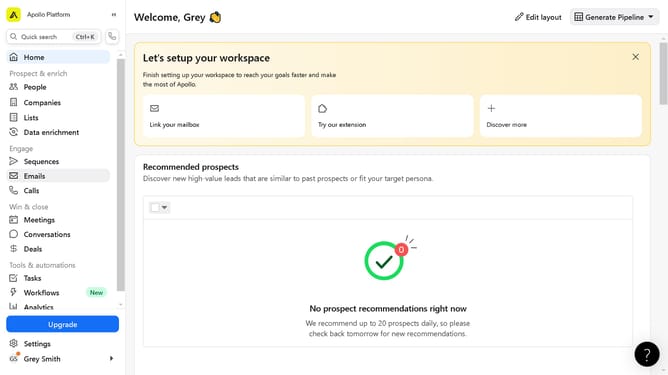
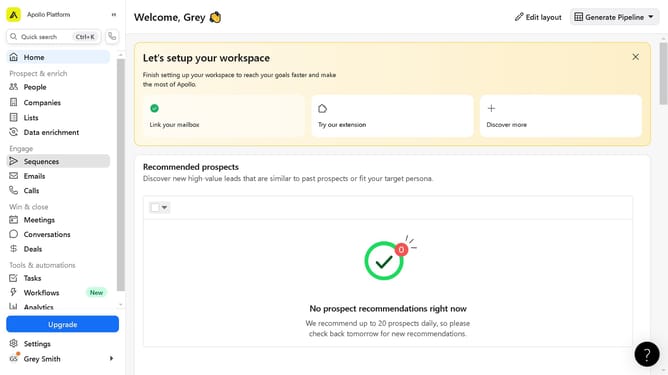
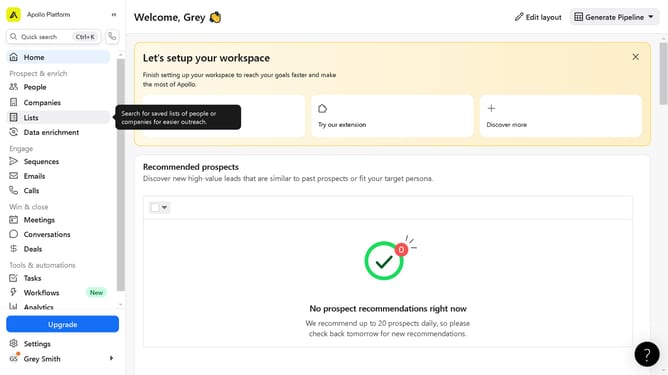
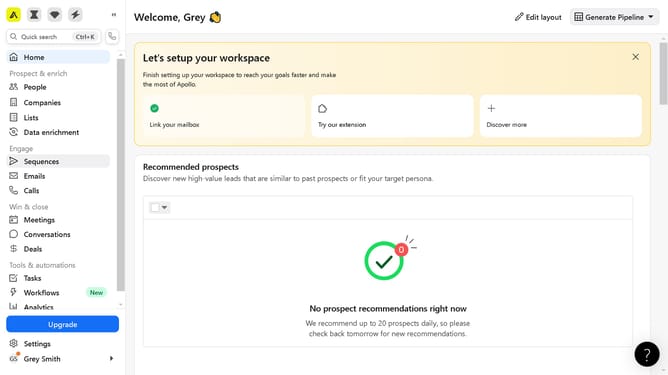
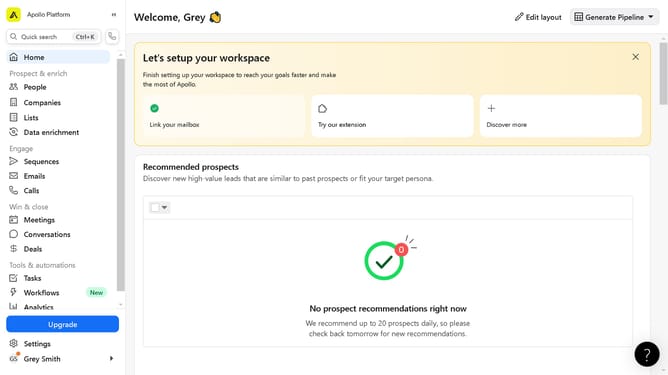
- First, click on the "Sequences" option in the left sidebar menu under the Engage section
- Then click on the "more options" button in the selected sequence
- Next, select the "Archive" option from the dropdown menu that appears
- Finally, click the "Archive sequence" button in the confirmation dialog box
Why should you archive a sequence on Apollo
Apollo is a dynamic platform designed to streamline and enhance your outreach strategies.
Archiving a sequence on Apollo allows users to manage their campaigns efficiently by decluttering the workspace.
This feature helps preserve important data without the need to delete, thereby keeping your sequences organized for future reference.
Utilizing the archive function ensures improved focus on active campaigns, leading to better productivity and success rates.
Last update