How to update your last name in Apollo
Here is how to update your last name in apollo
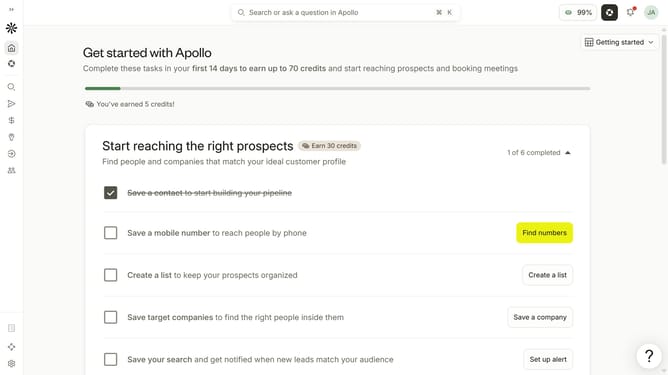
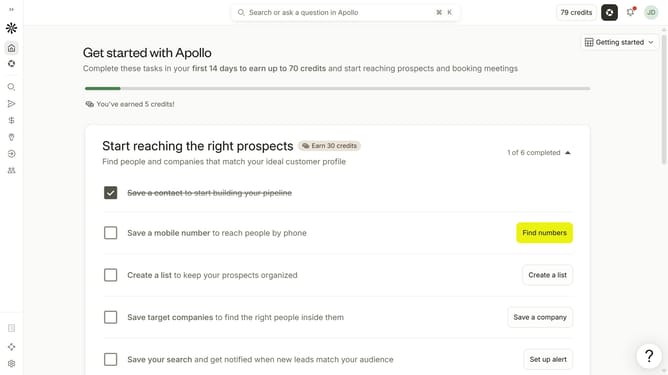
- First click on the user avatar in the top right corner of the header
- Then click on "Your profile" in the dropdown menu
- Next, click on the "Last name" input field and edit it
- Finally click on the "Save" button in the top right corner of the header
Why should you How to update your last name in Apollo
Apollo is a robust platform designed to streamline and optimize your professional interactions and management. By keeping your personal information current, like your last name, you ensure the integrity and professionalism of your communications.
Updating your last name in Apollo is a seamless feature that enhances your profile's accuracy. This adjustment reflects in all your professional exchanges, promoting consistency and trust. Staying current is vital as it reinforces your personal brand and keeps your network connections strong and organized.
Embracing this feature not only simplifies your experience but also underscores the reliability and clarity of your professional presence in the digital space.
Last update