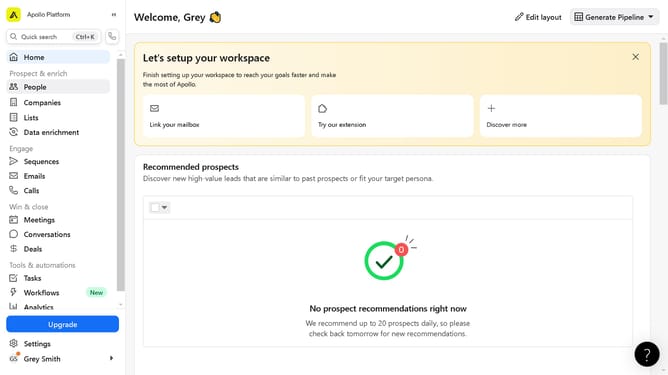
How to add an email template to a sequence on Apollo
Here is how to add an email template to a sequence on apollo
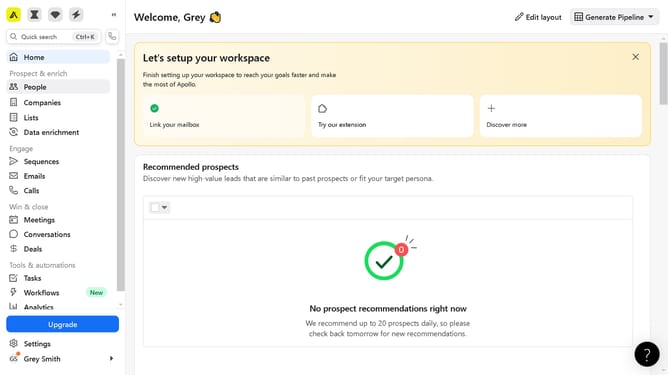
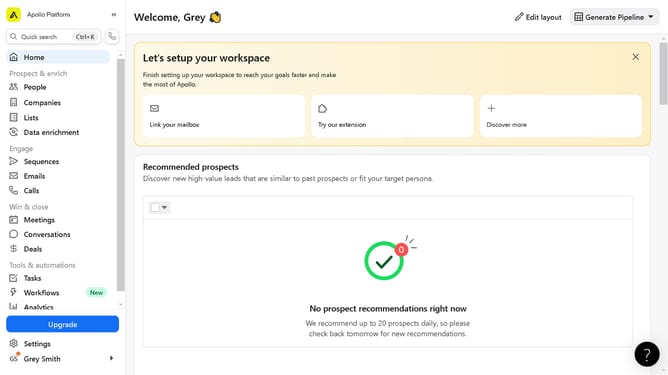
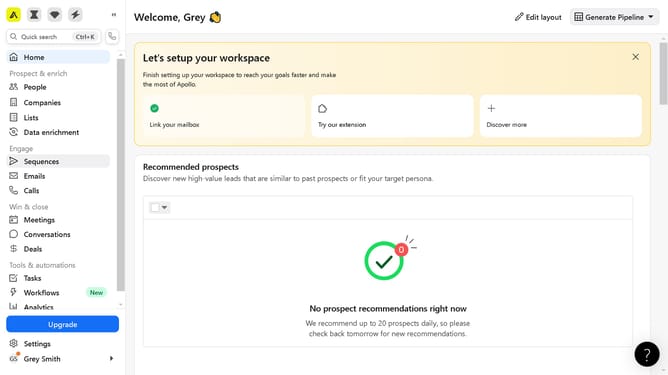
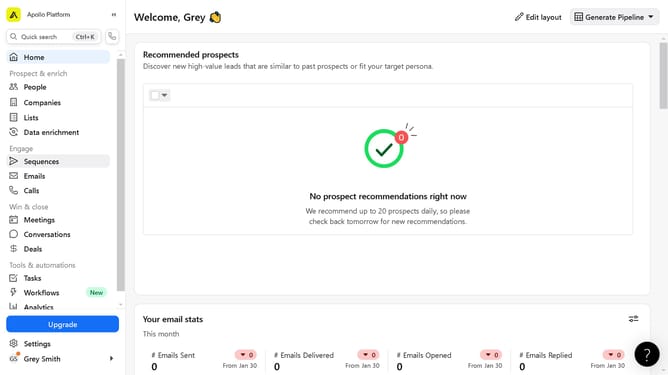
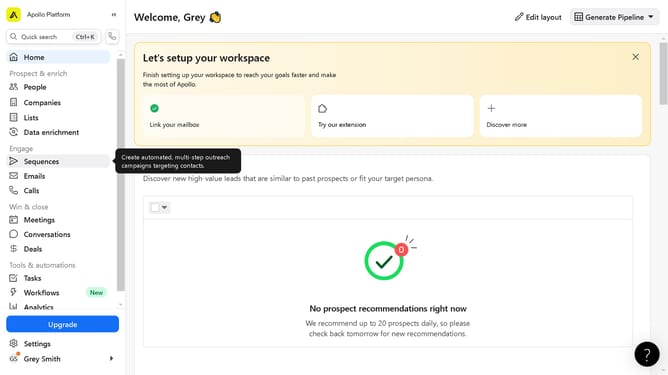
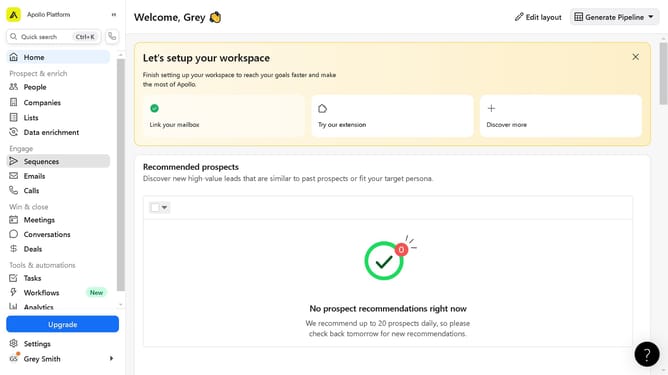
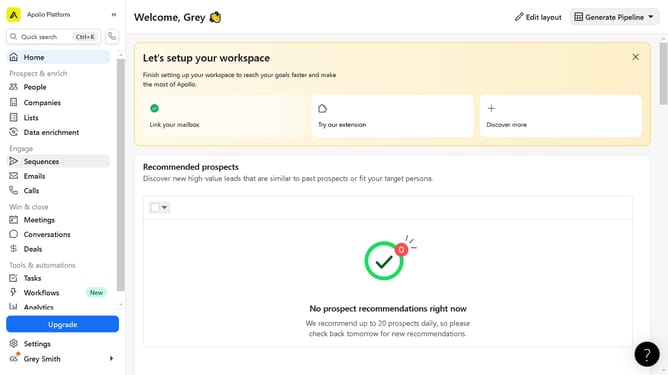
- First click on "Sequences" in the left sidebar menu under the Engage section
- Then click on "Automation" item in the sequences list
- Next click on the more options menu of the selected automation
- Then click on "Edit" option in the dropdown menu
- Next click on "Templates" icon in the email editor toolbar
- Then click on the template to insert from the templates list
- Then click on "Clone" button in the Link or Clone Template dialog
- Finally click on "Save" button in the top-right corner of the email editor
Why should you add an email template to a sequence on Apollo
Apollo empowers sales professionals with streamlined tools designed for effective outreach and engagement.
Adding an email template to a sequence in Apollo allows users to automate and personalize their communication efforts efficiently.
This feature ensures consistency and saves valuable time by enabling pre-crafted messages to be automatically dispatched at optimal times.
By integrating templates into sequences, Apollo enhances the ability to nurture leads, maintain relationships, and ultimately drive success with ease.
Last update