How to edit contact profile data on Apollo
Here is how to edit contact profile data on apollo
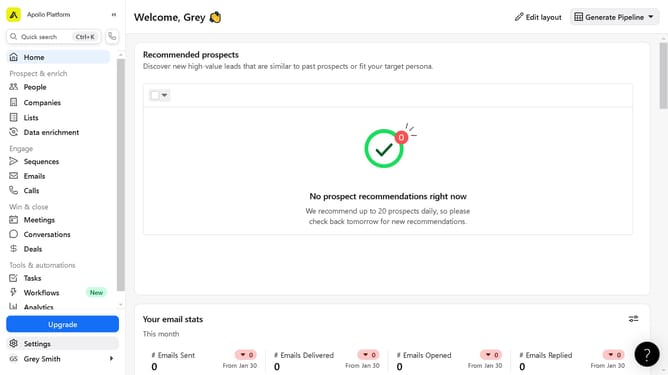
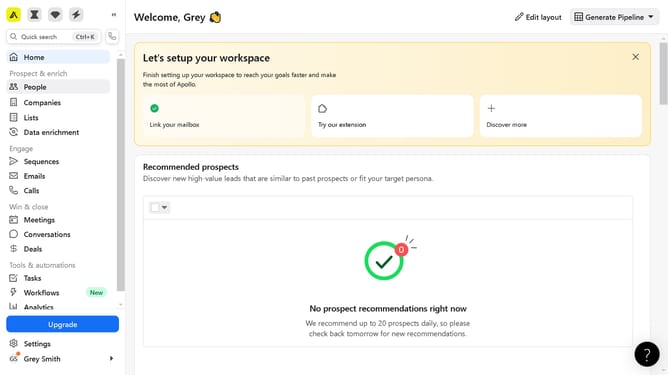
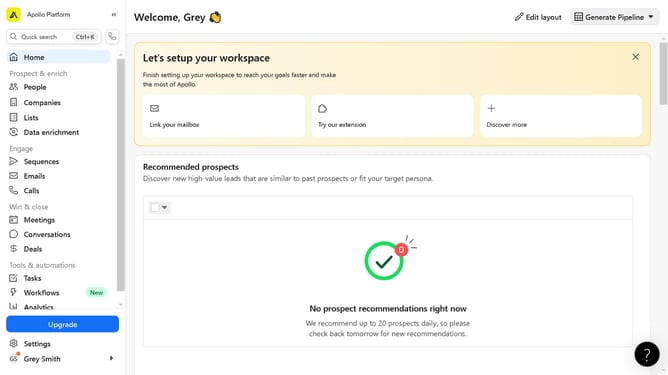
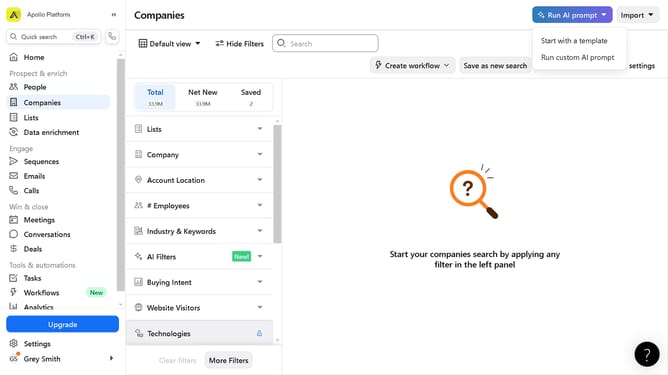
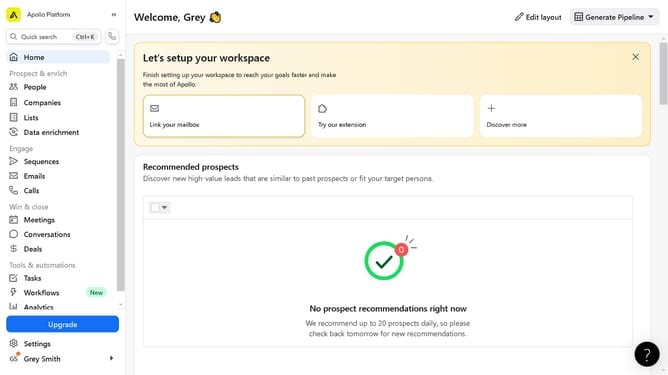
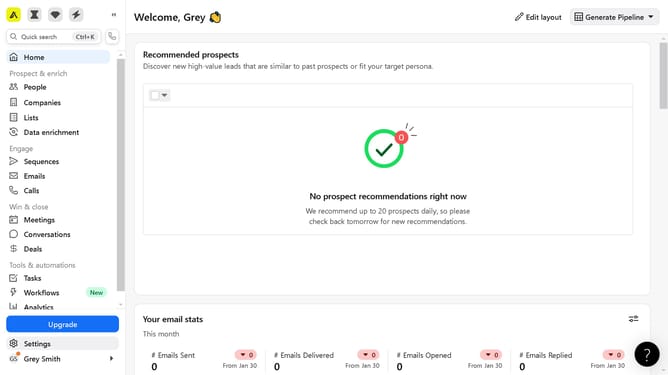
- First click on "People" in the left sidebar navigation menu
- Then click on the name from the contacts list in the main content area
- Next click on the "More options" button in the top right toolbar
- Next click on "Edit contact info" from the dropdown menu
- Then configure the fields below to update the needed information
- Finally click on "Save Contact" button in the top right corner of the edit contact form
Why should you edit contact profile data on Apollo
Apollo is a powerful platform designed to streamline sales processes and maximize business development efficiency.
One of Apollo's standout features is the ability to edit contact profile data effortlessly. Keeping your contact information up-to-date is crucial in maintaining effective communication and fostering strong relationships.
By using this feature, you ensure that data is accurate and current, providing clarity and preventing missed opportunities. Seamless profile editing helps maintain organized records, making your sales strategy more effective and targeted.
Last update