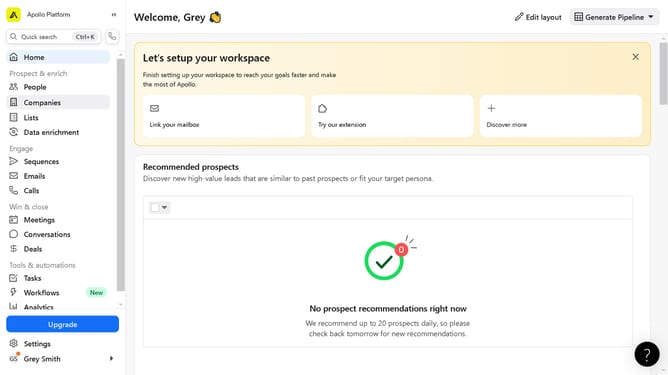
How to create a snippet on Apollo
Here is how to create a snippet on apollo
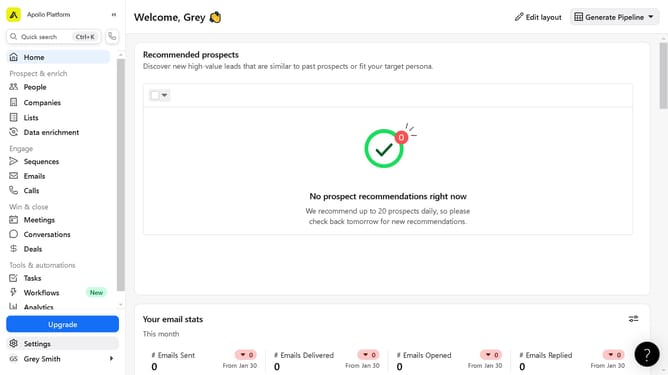
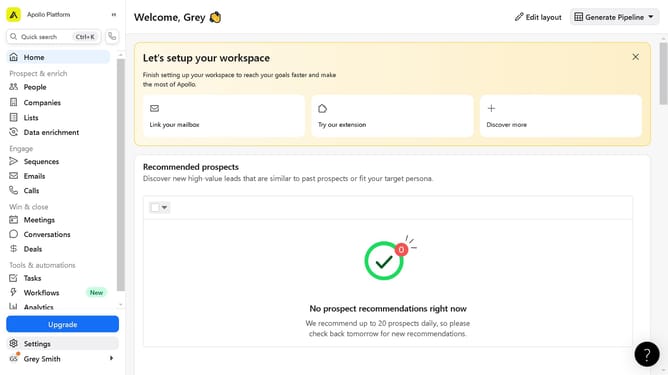
- First click on "Settings" in the left sidebar menu
- Then click on the dropdown in the left sidebar beside Sales engagement section
- Next click on "Snippets" in the left sidebar under Sales engagement section
- Then click on "New Snippet" button in the top right corner of the Snippets page
- Next click on the snippet option in the Create a snippet dialog
- Then fill in the "Snippet" text fields to construct your new snippet
- Finally click on "Save" button to create the new snippet
Why should you create a snippet on Apollo
Apollo is your ultimate tool for supercharging your communication workflow.
Creating a snippet on Apollo is a powerful way to streamline your interaction and ensure consistent messaging across your team.
With snippets, you can save time by re-using standard responses or information that you frequently send out.
This feature helps maintain accuracy and efficiency, ensuring you never miss out on the key points while minimizing repetitive work.
Leverage Apollo's snippet creation to enhance productivity and cohesion in your communication endeavors.
Last update