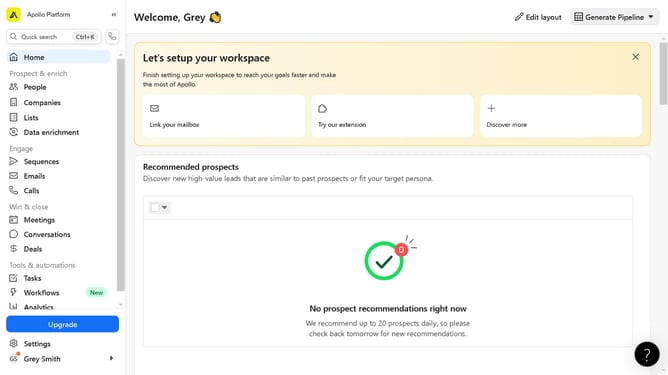
How to filter people by university in Apollo
Here is how to filter people by university in apollo
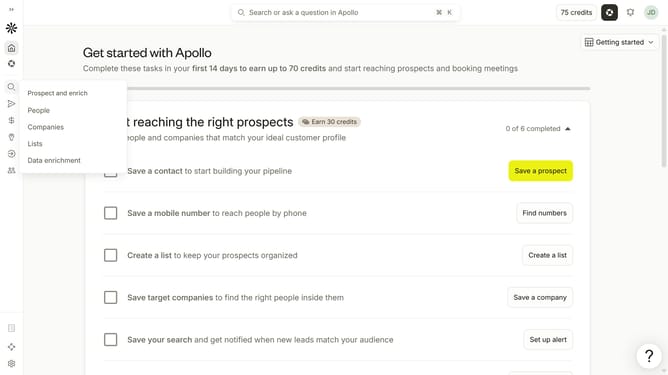
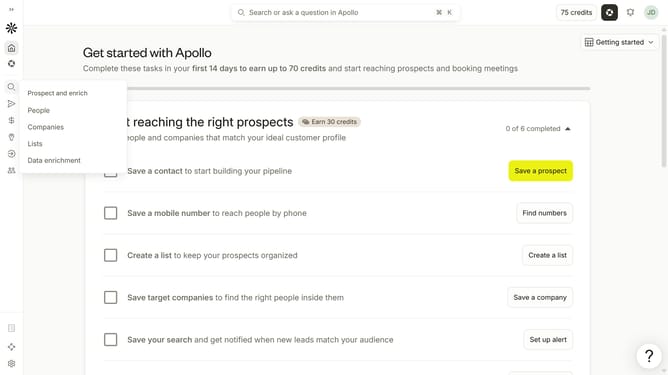
- First click on the search icon in the left sidebar
- Then click on the "People" option from the dropdown menu
- Next, click the dropdown arrow next to "Education" in the filters pane
- After that, click on the "Select schools" dropdown
- Finally, select a university from the list of schools
Why should you How to filter people by university in Apollo
Apollo is a dynamic platform designed to connect businesses with the right leads efficiently.
One standout feature is the ability to filter people by university. This precise filtering enhances your networking by allowing you to target individuals who share an educational background, fostering deeper connections.
Using this feature can refine your search, making it easier to identify potential partners or clients with specific qualifications. It's an invaluable tool for professionals looking to leverage their academic networks strategically.
Ultimately, this leads to more meaningful engagements, enhancing collaboration and opportunity discovery within your targeted industry or interest group.
Last update