How to filter contacts by market segment in Apollo
Here is how to filter contacts by market segment in apollo
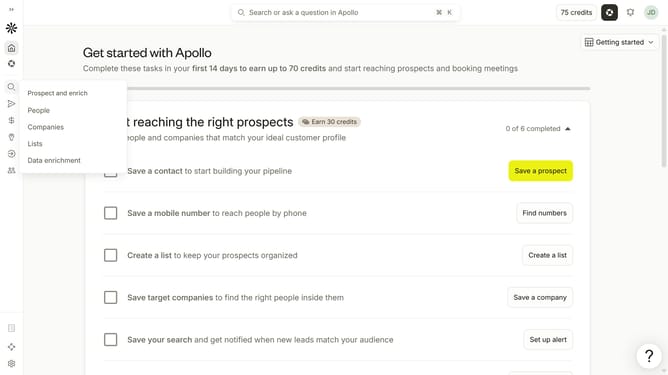
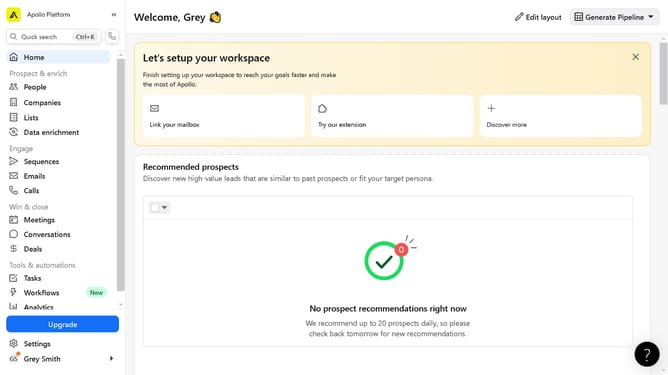
- First click on the search icon in the left sidebar
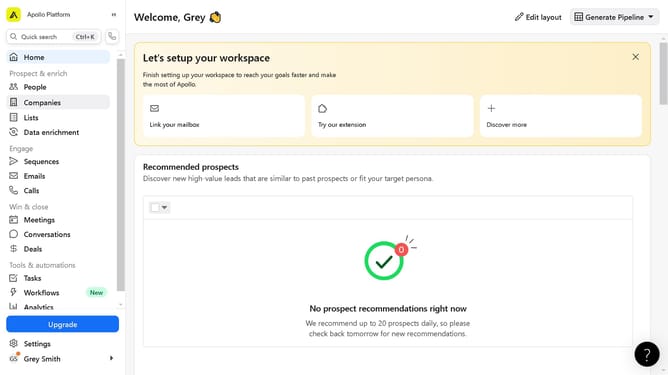
- Then click on the "People" option from the dropdown menu
- Then click on the "Market Segments" filter in the left sidebar
- Finally click on a checkbox from the market segments dropdown list
Why should you How to filter contacts by market segment in Apollo
Apollo is a powerful platform designed to enhance your sales process by streamlining contact management and engagement.
One standout feature of Apollo is its ability to filter contacts by market segment. This functionality allows you to quickly identify and focus on the most relevant groups within your database, optimizing your outreach strategies.
Using this feature ensures that your sales and marketing efforts are targeted and effective, ultimately leading to higher engagement and conversion rates. By segmenting contacts, you can tailor your messaging to suit the specific needs and interests of each group, maximizing your impact.
Last update