How to import a CSV of accounts on Apollo
Here is how to import a csv of accounts on apollo
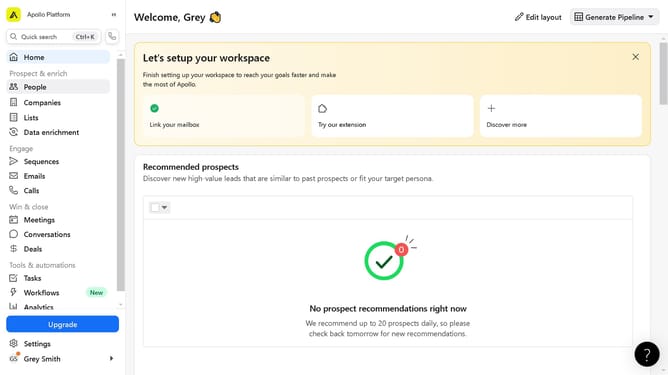
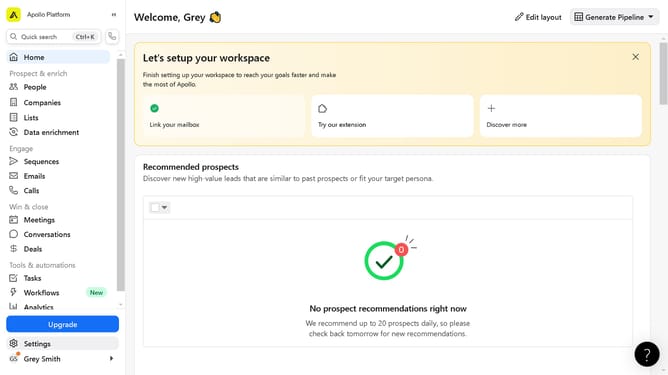
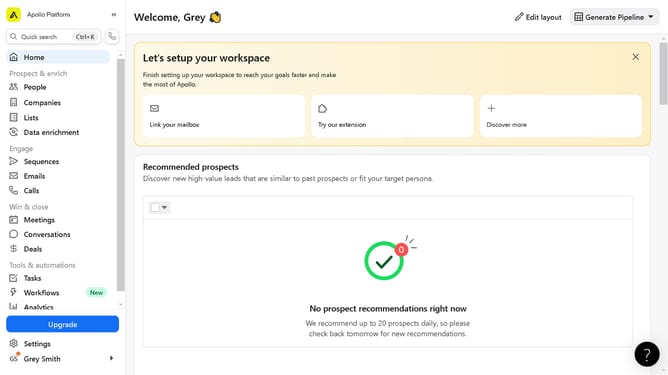
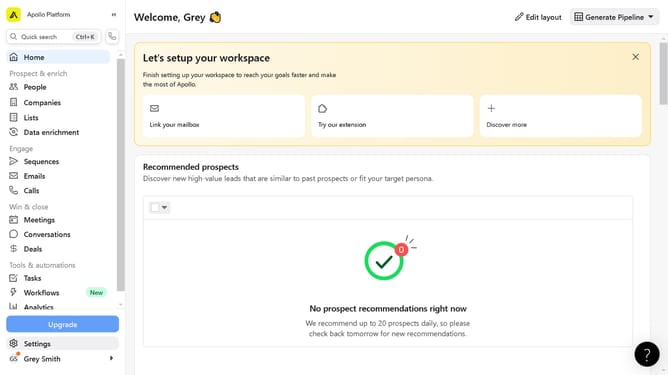
- First click on the "People" item in the left sidebar under Prospect & enrich section
- Then click on the "Import" button in the top right corner of the screen
- Next click on the "CSV" option from the import dropdown menu
- Now click on the "Select CSV File" button in the Import contacts section
- Observe the column mappings screen showing First Name, Last Name and Title fields
- Finally click on the "Import" button at the bottom of the column mappings screen
Why should you import a CSV of accounts on Apollo
Apollo is an intuitive platform designed to streamline and enhance your sales and marketing efforts.
The feature to import a CSV of accounts on Apollo allows users to seamlessly integrate their existing data into the platform, ensuring no time is wasted in manually adding information.
By leveraging this feature, users can quickly populate Apollo with rich data, enabling immediate access to insightful analytics and personalized strategies for account management.
Embracing this functionality not only improves efficiency but also empowers more targeted and effective outreach efforts.
Last update