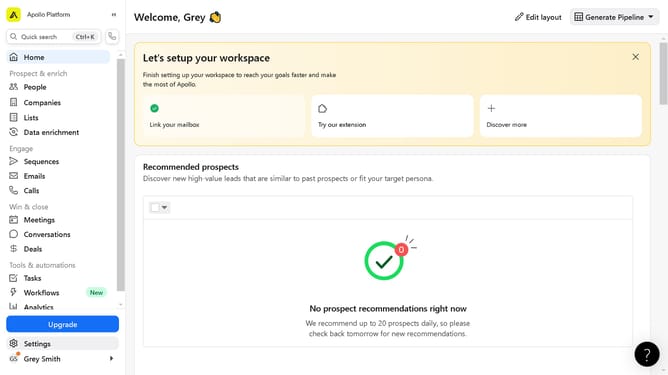
How to filter people from any corporate office location in Apollo
Here is how to filter people from any corporate office location in apollo
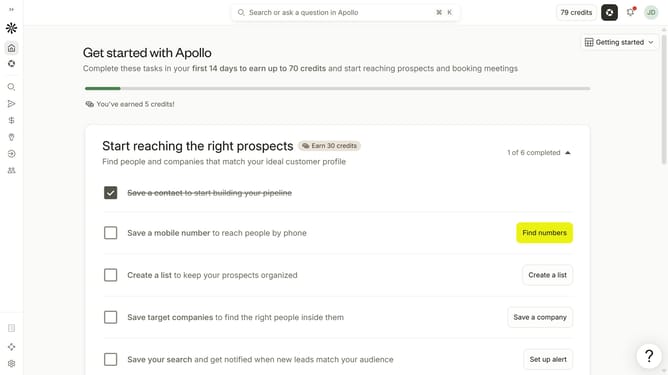
- First click on the search icon in the left sidebar
- Then click on the "People" option from the dropdown menu
- Next, click on the "Location" filter in the left sidebar
- After that, click on the "Account HQ" tab
- Then click on the dropdown menu under "Select region"
- Next, click on the 'Any corporate office' from the dropdown menu
- Then click on the dropdown for "City / State / Country / ZIP"
- Finally, select from the location options
Why should you How to filter people from any corporate office location in Apollo
Apollo is a powerful platform designed to streamline prospecting and lead management for businesses.
One of its standout features is the ability to filter people from any corporate office location, making it easy to target specific geographic areas.
This feature allows users to precisely identify potential leads based on their office location, which is crucial for businesses looking to tailor marketing efforts or build regional campaigns.
By honing in on a specific area, companies can enhance their outreach efficiency, ensuring they connect with the right audience and optimize conversion opportunities.
Last update