How to edit a sequence on Apollo
Here is how to edit a sequence on apollo
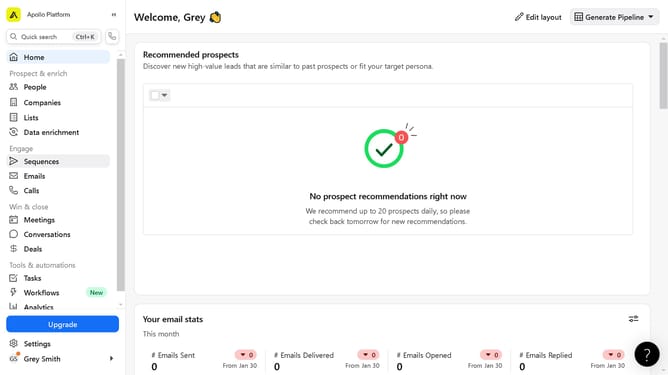
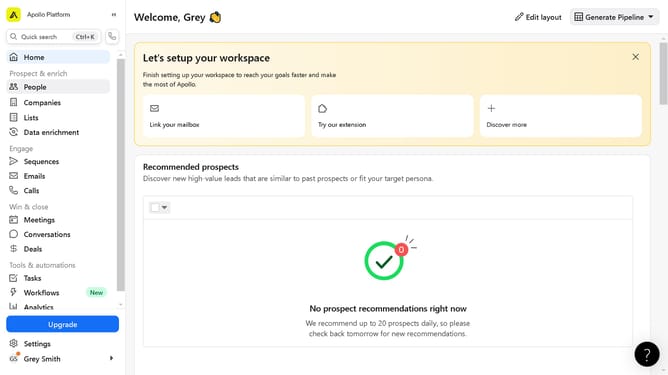
- First click on "Sequences" in the left sidebar menu under the Engage section
- Then click on the "Action" button next to the selected sequence
- Next click on "Edit" option from the dropdown menu
- In the Settings tab configure the fields of your selected sequence
- Finally click on the "Save" buttons in the top-right corner of the sequence settings page
Why should you edit a sequence on Apollo
Apollo is a powerful sales engagement platform designed to optimize outreach and streamline workflows.
Editing a sequence on Apollo allows users to easily customize their outreach strategies, ensuring that their messages resonate with each target audience.
By refining a sequence, sales teams can tailor content, adjust timing, and analyze performance, leading to more effective communication and higher conversion rates.
This feature empowers users with flexibility and precision, enhancing overall campaign success and delivering personalized experiences to prospects.
Last update