How to save contacts and accounts on Apollo
Here is how to save contacts and accounts on apollo
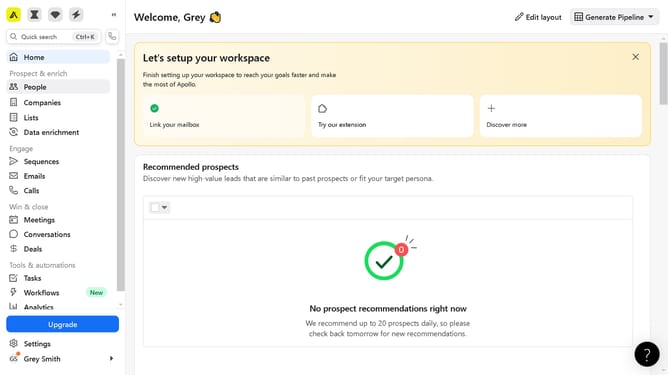
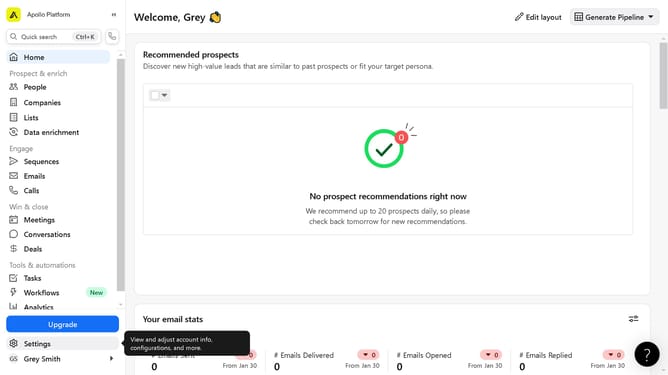
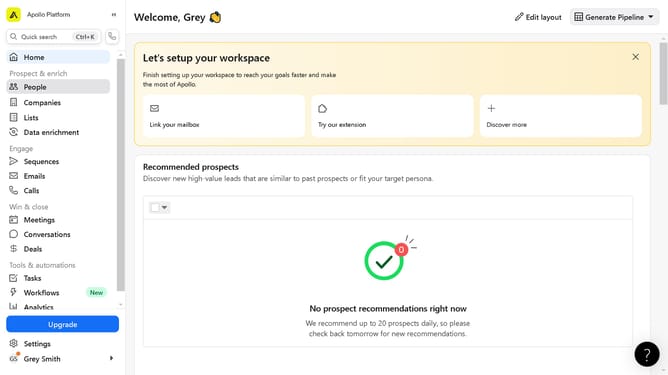
- First click on "People" in the left sidebar navigation menu
- Then click in the search box in the top toolbar and type the name
- Click on the checkbox next to John Mark's name in the search results
- Click on the "Save" button in the top toolbar
- Click on the dropdown field in the Save Contacts modal
- Click on the list you want to save the contact in the dropdown modal
- Finally click on the "Save" button in the Save Contacts modal
Why should you save contacts and accounts on Apollo
Apollo is a dynamic platform designed to streamline sales processes through efficient data management.
Saving contacts and accounts on Apollo empowers teams to maintain a well-organized database effortlessly.
With this feature, users can categorize and access client information promptly, fostering improved communication.
Maximizing organization within Apollo elevates productivity by ensuring essential data is always at your fingertips.
Last update