How to add contacts from CSV to a sequence on Apollo
Here is how to add contacts from csv to a sequence on apollo
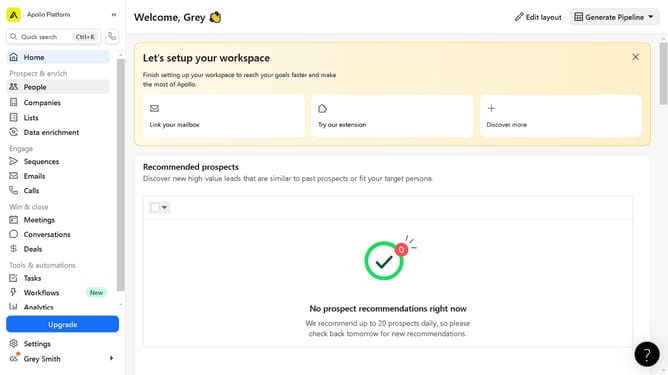
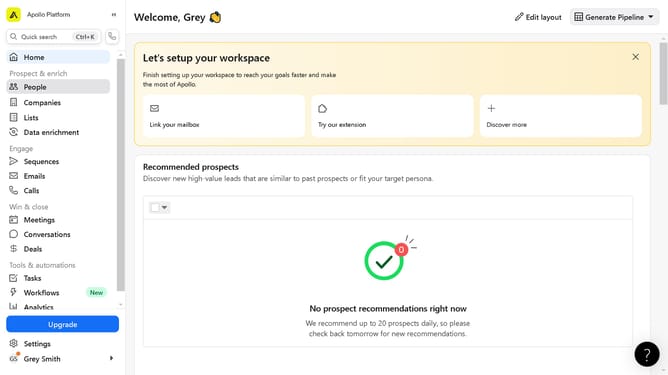
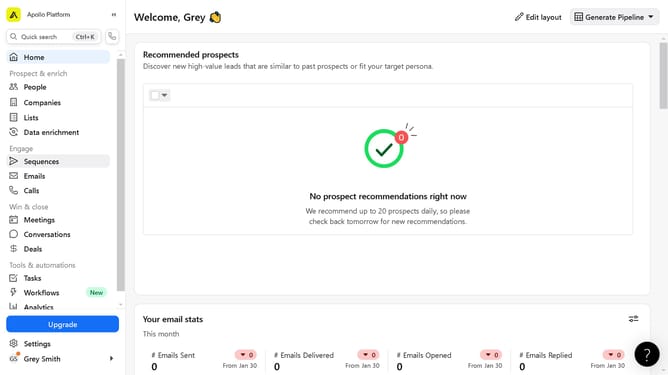
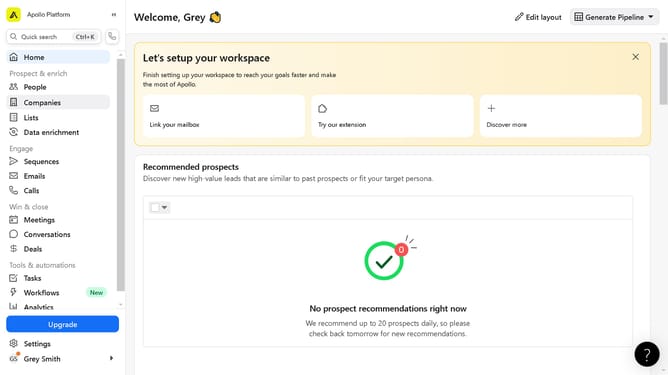
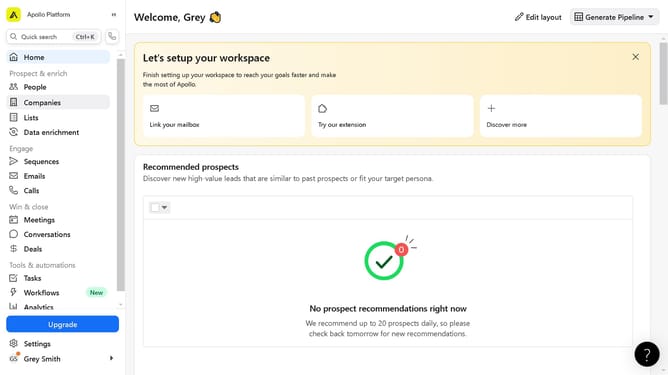
- First click on "Sequences" in the left sidebar under the Engage section
- Next click on the sequence name in the sequences list
- Click the "Add Contacts" button in the top right of the sequence details page
- Select "Upload CSV" option from the Add Contacts dropdown menu
- Click the "Select CSV File" button in the Import contacts section
- Configure the required fields in the Import contacts section
- Finally click the "Import" button at the bottom of the Column Mappings page
Why should you add contacts from CSV to a sequence on Apollo
Apollo is a powerful sales engagement platform designed to help teams streamline their outreach process.
By using the feature to add contacts from a CSV file to a sequence on Apollo, users can efficiently manage large volumes of potential leads, enhancing productivity and effectiveness.
This feature eliminates the need for manual entry, saving time and reducing errors, which in turn allows sales teams to focus on strategic tasks for better engagement.
Seamlessly integrating these contacts into sequences ensures consistent communication, fostering stronger client relationships and accelerating sales cycles.
Last update