How to manage sequences on Apollo
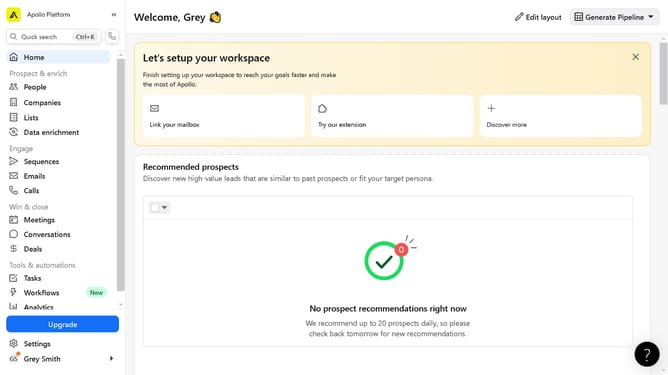
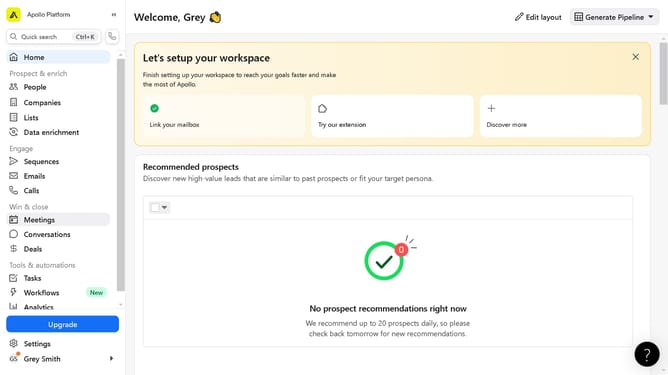
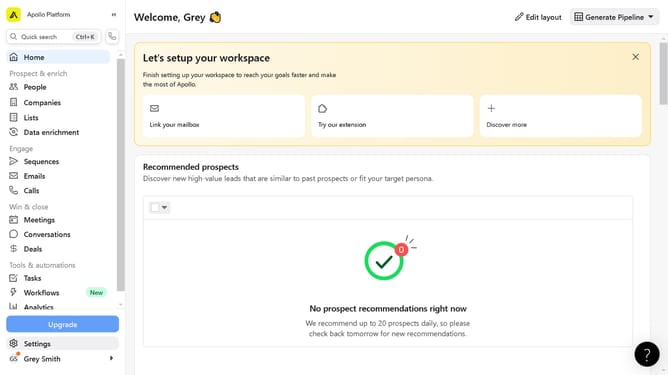
Here is how to manage sequences on apollo
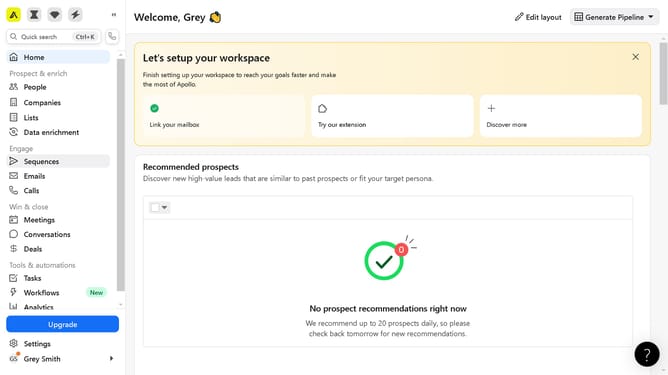
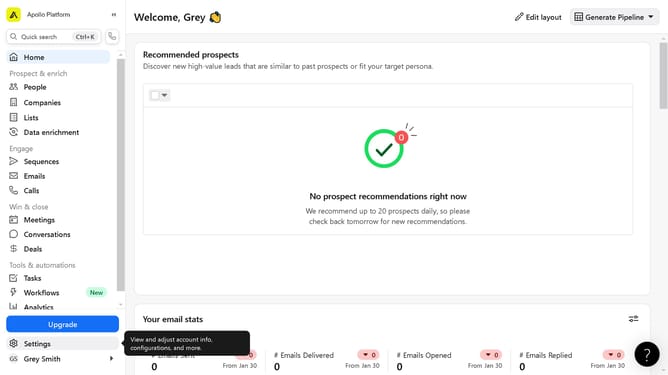
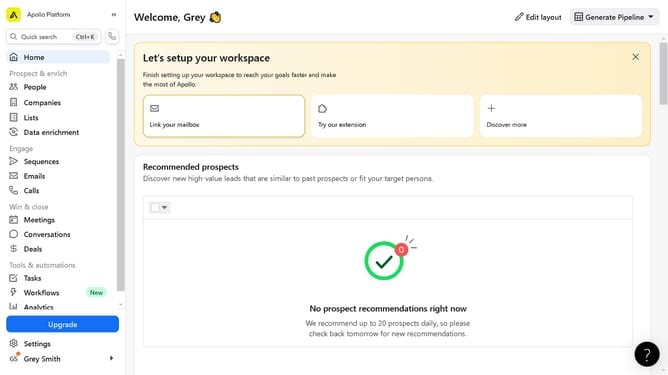
- In the left sidebar, click on the "Sequences" menu item
- In the sequences table, locate and click on the toggle switch next to the "Automation" sequence
- Click the "More options" button (three dots) in the rightmost column of the Automation sequence row
- From the dropdown menu that appears, select the option to manage your sequence
Why should you manage sequences on Apollo
Apollo is a powerful platform designed to revolutionize the way sales teams approach outreach and engagement.
Managing sequences on Apollo allows users to efficiently streamline communication strategies, ensuring timely and coordinated follow-ups.
This feature empowers teams by automating routine tasks, freeing up valuable time for strategic engagements.
With seamless sequence management, businesses can enhance their outreach, leading to improved prospect relationships and increased conversion rates.
Last update