How to connect my calendar on Apollo
Here is how to connect my calendar on apollo
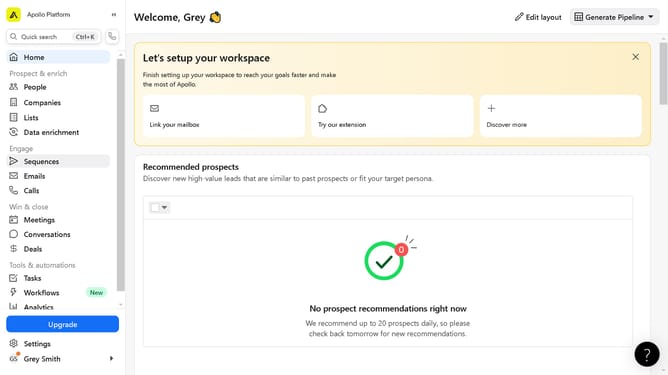
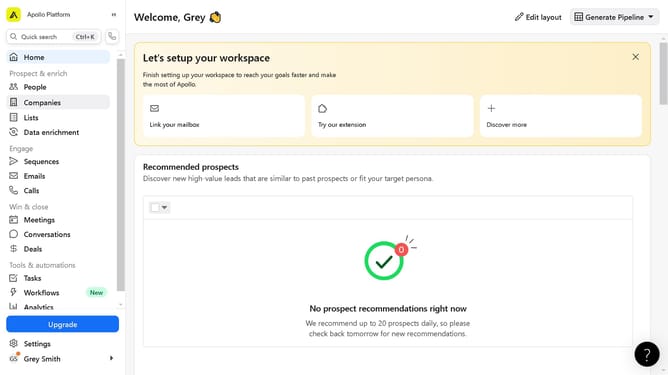
- In the left sidebar, click on the "Meetings" menu item
- On the meetings page, click the "Connect your calendar" button
- In the calendar connection dialog, click the "Connect" button after reviewing the terms
- Finally, click the "OK" button in the success notification popup
Why should you connect my calendar on Apollo
Apollo is an innovative platform designed to streamline your scheduling and productivity tasks.
Connecting your calendar to Apollo is a feature that enhances efficiency by syncing your appointments and reminders into a centralized hub. This allows for effortless management of your personal or professional schedules without missing a beat.
By integrating your calendar, you unlock a seamless flow of communication and organization, ensuring that you stay on top of your tasks and commitments.
Ultimately, leveraging this feature on Apollo simplifies scheduling, boosts productivity, and keeps you focused on what truly matters.
Last update