How to create a sequence on Apollo
Here is how to create a sequence on apollo
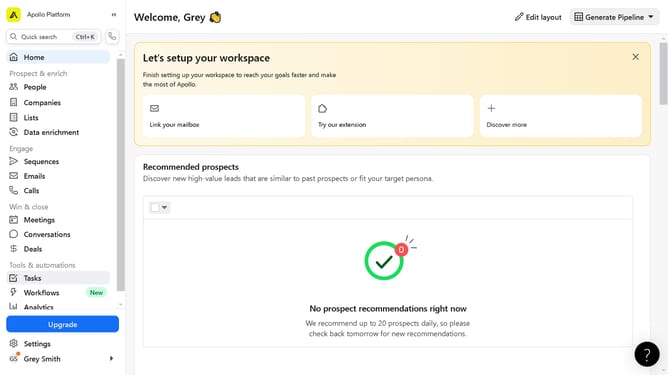
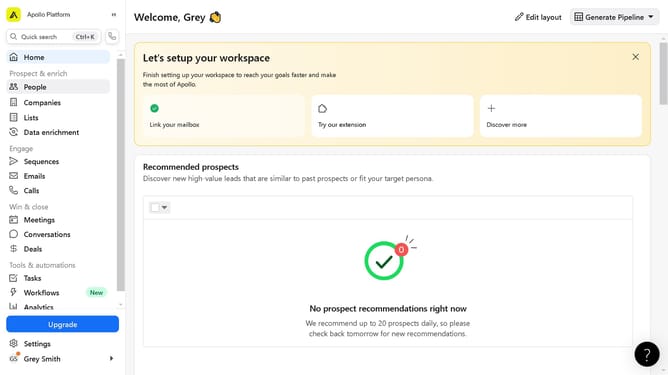
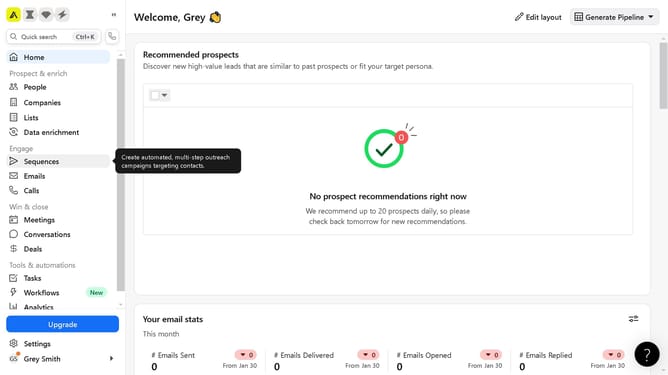
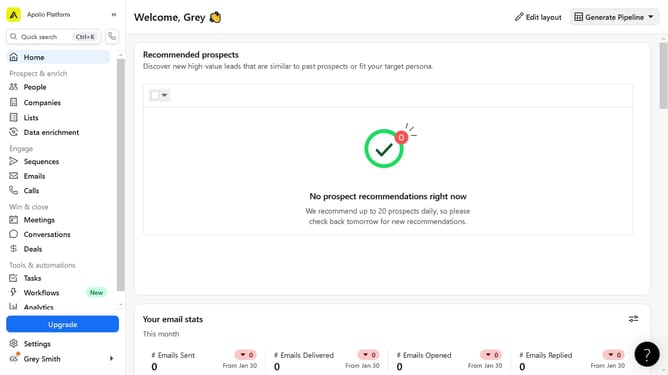
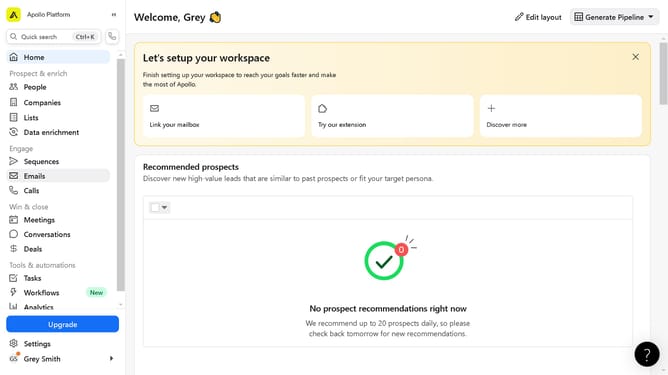
- In the left sidebar menu, click on the "Sequences" option
- In the top-right corner of the Sequences page, click the "Create sequence" button
- In the sequence creation modal window, click on the "From scratch" option
- Click on the input field to enter a name for your sequence
- Click the "Create" button in the bottom-right corner of the modal to finish creating your sequence
Why should you create a sequence on Apollo
Apollo is a powerful platform designed to streamline and enhance sales outreach.
Creating a sequence on Apollo enables a seamless flow of communication, ensuring prospects receive timely and relevant messages.
This feature simplifies the sales process by allowing users to automate follow-ups and manage multiple interactions simultaneously.
By using sequences, businesses can significantly boost engagement rates and nurture leads more effectively, ultimately driving increased conversion and sale outcomes.
Last update