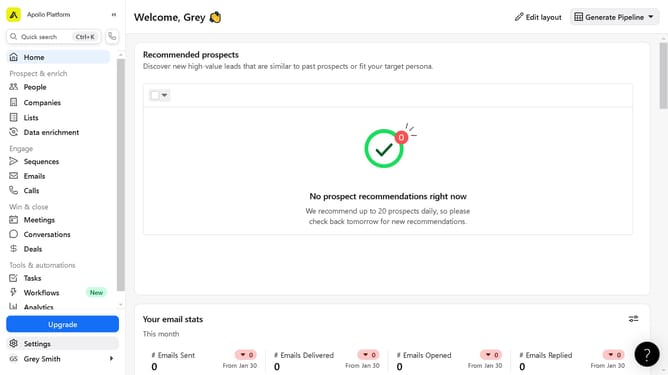
How to edit a persona on Apollo
Here is how to edit a persona on apollo
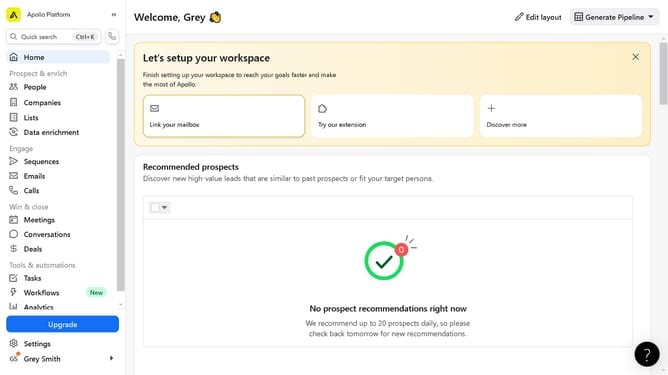
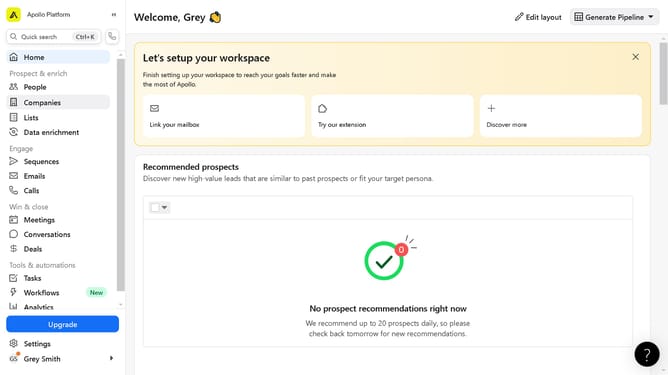
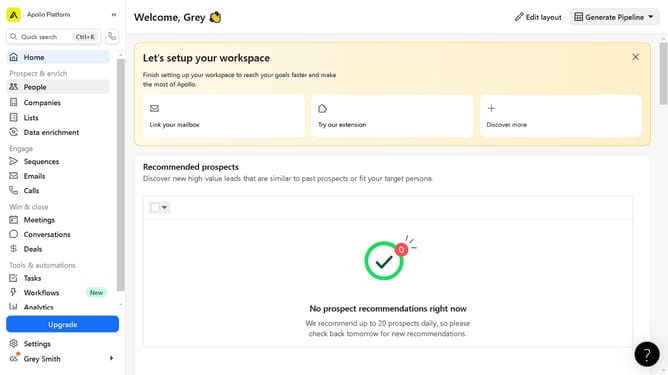
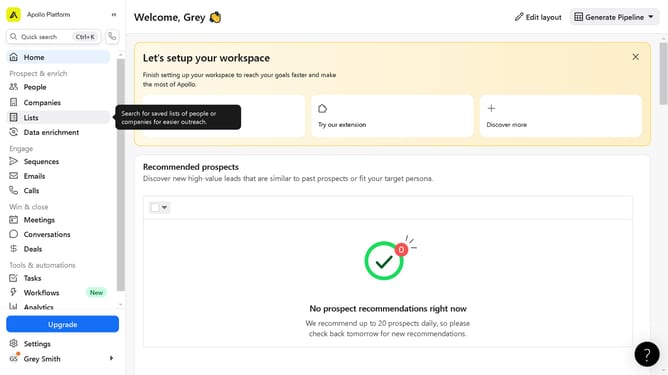
- First click on the "Settings" option in the left sidebar
- Then click on the "Prospecting" section in the left sidebar menu
- Next click on the "Personas" item under the Prospecting section
- Then click on the edit icon of the persona you want to modify
- Next configure the "Filters" section in the Edit Persona dialog
- Finally click on the "Save Persona" button in the Edit Persona dialog
Why should you edit a persona on Apollo
Apollo is a powerful platform designed to streamline your sales and marketing efforts with precision and personalization.
One of Apollo's standout features is the ability to edit personas, allowing users to tailor their sales approach to match specific customer profiles. By refining personas, teams can focus their communication and enhance engagement, leading to more meaningful connections with potential clients.
This customization not only saves time but also increases the impact of your outreach, ensuring your message resonates with your audience. Unlock the full potential of your marketing strategy by leveraging Apollo’s persona editing capabilities.
Last update