How to filter people from retail locations in Apollo
Here is how to filter people from retail locations in apollo
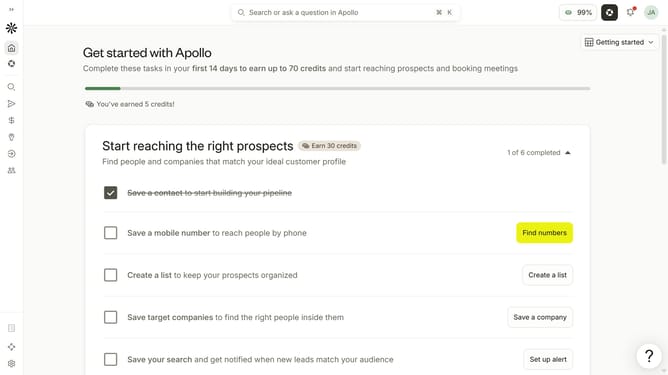
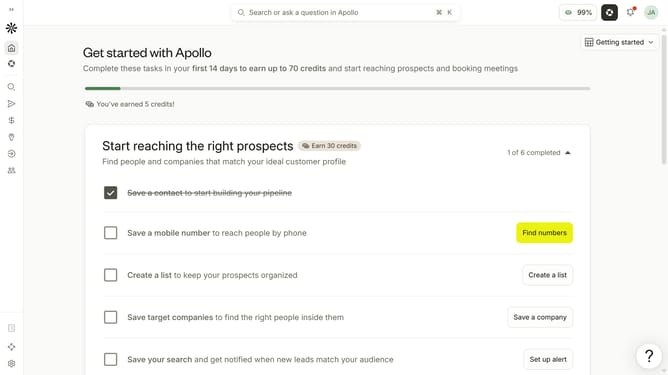
- First click on the search icon in the left sidebar
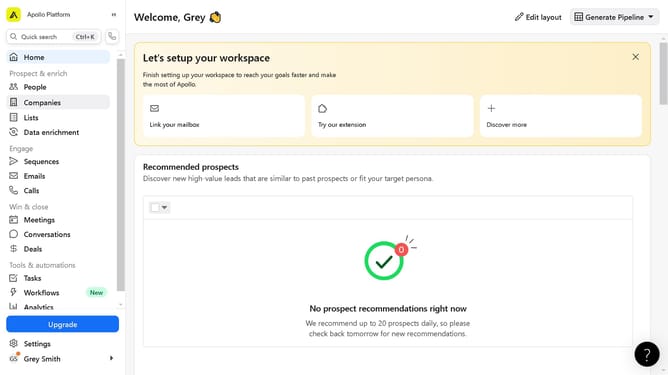
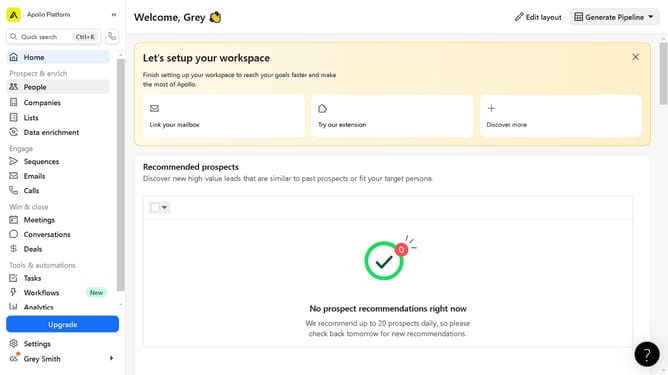
- Then click on the "People" option from the dropdown menu
- Next, click on the "Location" filter in the left sidebar
- After that, click on the "Account HQ" tab
- Then click on the dropdown menu under "Select region"
- Next, select "Retail locations" from the dropdown menu
- Then click on the dropdown for "City / State / Country / ZIP"
- Finally, select from the location options
Why should you How to filter people from retail locations in Apollo
Apollo is a cutting-edge platform designed to enhance marketing strategies by refining audience targeting with precision.
One of Apollo's standout features is its ability to filter people from retail locations. This capability allows users to pinpoint their audience more accurately, ensuring that marketing efforts are focused on relevant customers and not diluted by less pertinent foot traffic.
By leveraging this feature, businesses can optimize their campaigns, boost conversion rates, and maximize return on investment. It ensures that marketing messages reach the right people at the right time, enhancing overall campaign effectiveness.
Last update