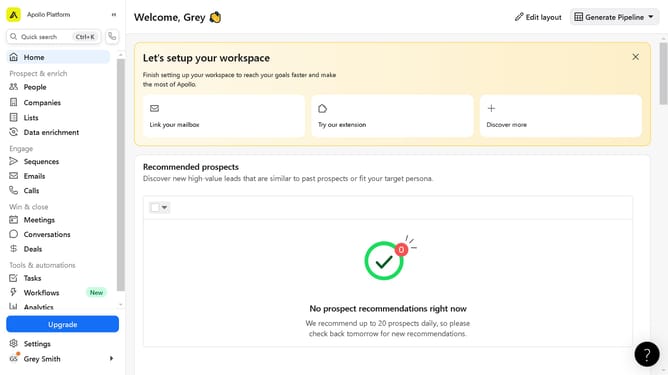
How to create tasks in a contact on Apollo
Here is how to create tasks in a contact on apollo
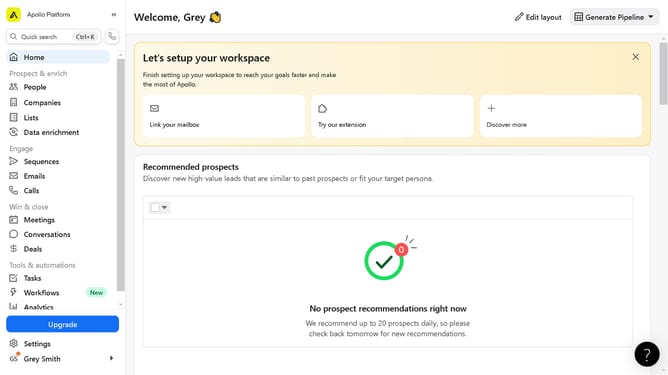
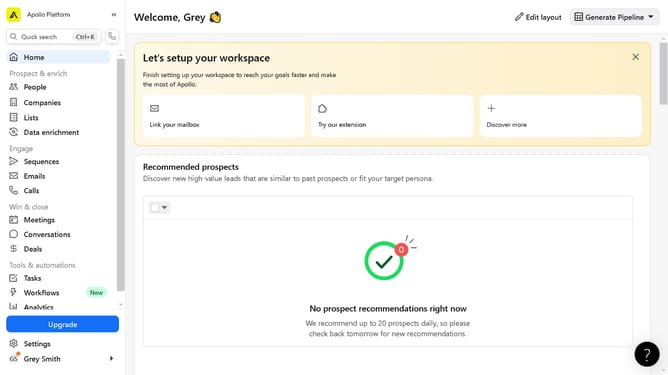
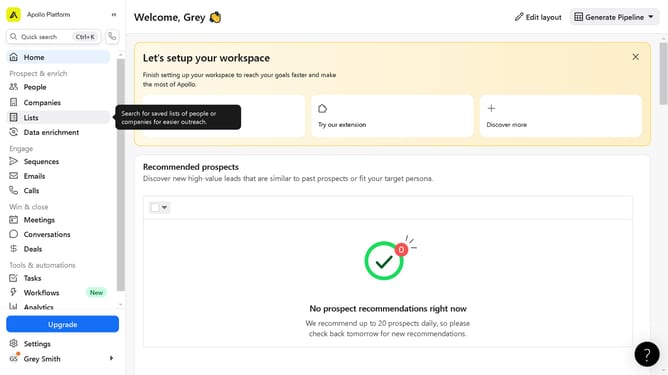
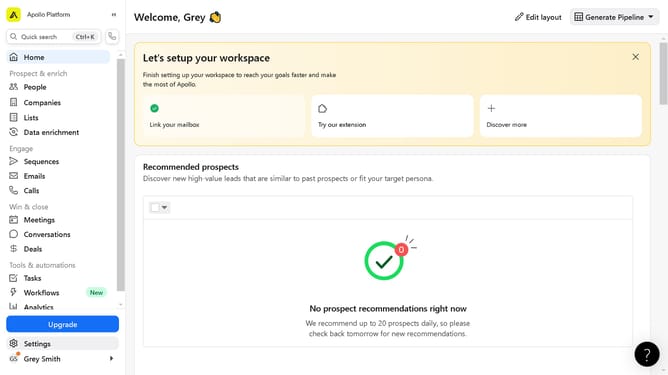
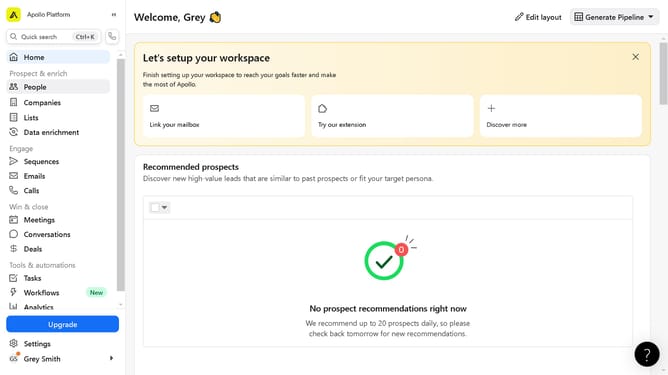
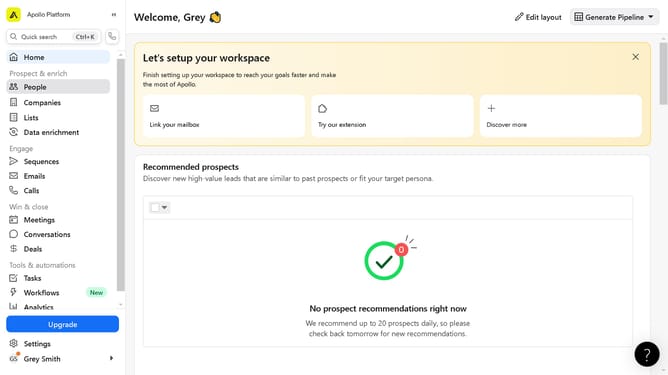
- First click on "People" in the left sidebar menu
- Click on the "Saved" tab in the main content area
- Click on the name to input a task on in the contacts list
- Click on "Add task" button in the Tasks section
- Click on the empty text field and input your "Task title" in the Tasks section
- Finally click the "Create task" button at the bottom of the New task dialog
Why should you create tasks in a contact on Apollo
Apollo is a dynamic platform designed to empower businesses by enhancing their workflow efficiency and relationship management.
Creating tasks within a contact on Apollo enables users to seamlessly integrate task management with customer interactions. This feature offers the crucial ability to assign specific tasks directly linked to each contact, ensuring that every important detail is captured and actioned.
By using this feature, businesses can streamline their processes, maintain clear communication lines, and ultimately build stronger relationships with their clients. The integration helps teams stay organized, informed, and proactive, projecting professionalism and efficiency throughout operations.
Last update