How to create a sequence schedule on Apollo
Here is how to create a sequence schedule on apollo
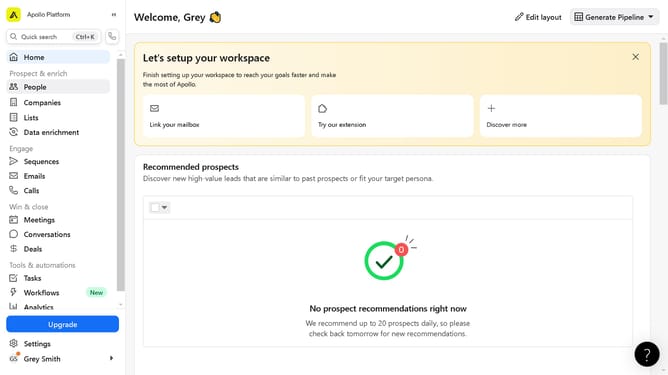
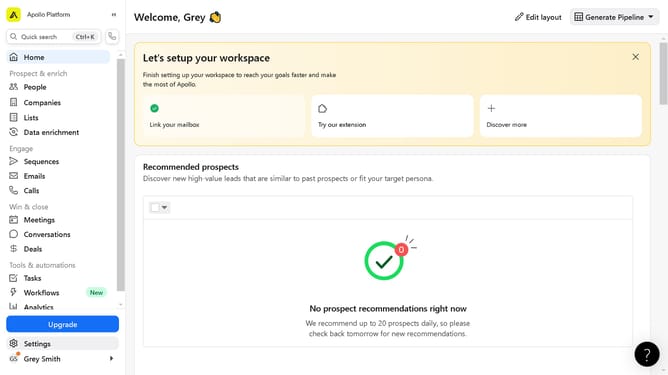
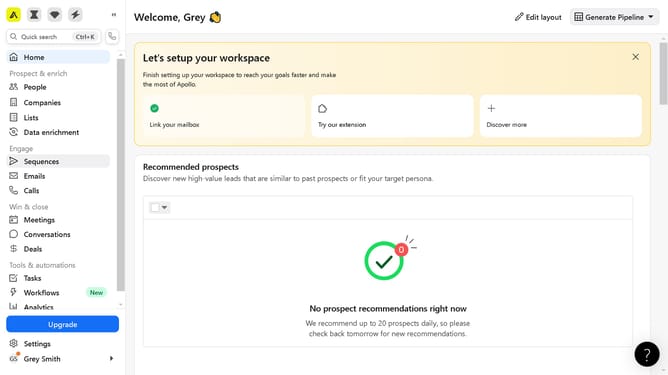
- First click on "Settings" item in the left sidebar menu
- Then click on "Sales Engagement" item in the left sidebar menu
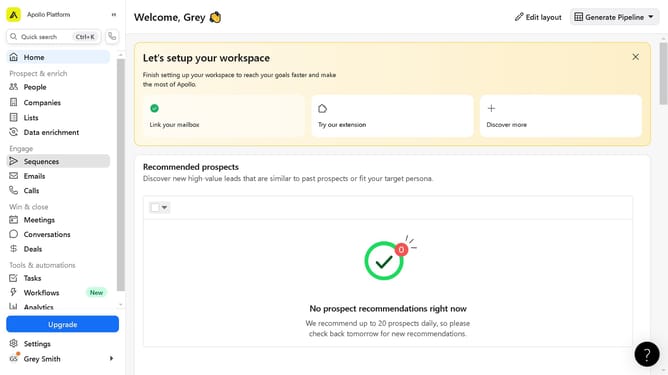
- Next click on "Sequences" item in the left sidebar menu
- Then click on "Schedules" tab in the top navigation menu
- Next click on "New Schedule" button in the top right corner
- Then click on the name field text box in the New Schedule dialog
- Next click on "Create" button in the New Schedule dialog
- Finally click on "Save" button in the top right corner
Why should you create a sequence schedule on Apollo
Apollo is a powerful sales engagement platform designed to streamline your outreach efforts.
Creating a sequence schedule on Apollo allows you to strategically plan and automate your communication with prospects, ensuring timely and effective engagement.
This feature is essential for maintaining consistency in your outreach without needing to manually track every interaction.
By automating sequences, you save time, increase productivity, and foster better client relationships, ultimately boosting your sales success.
Last update