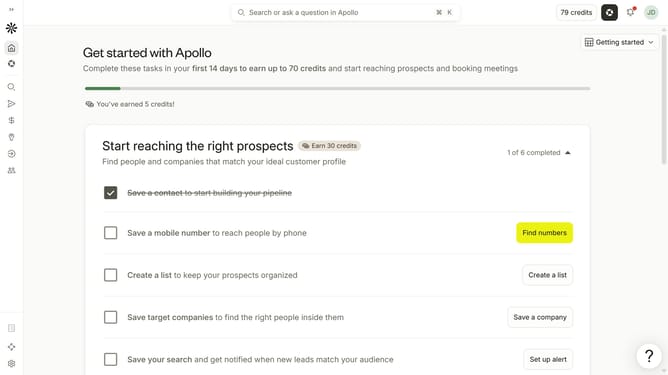
How to add your title in Apollo
Here is how to add your title in apollo
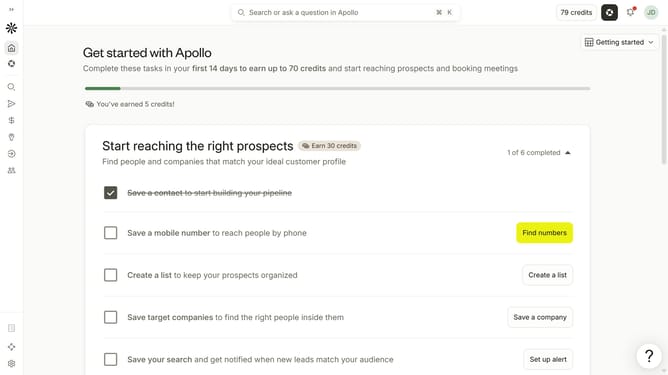
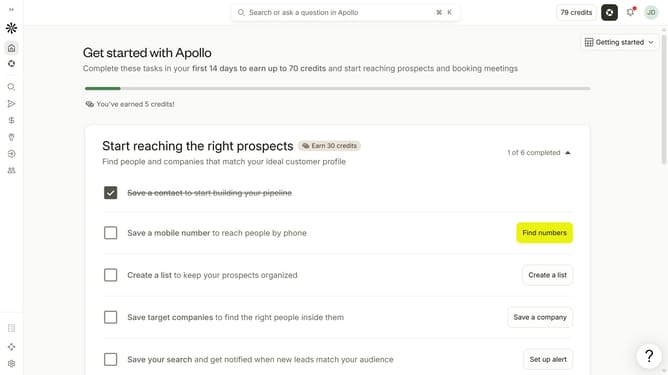
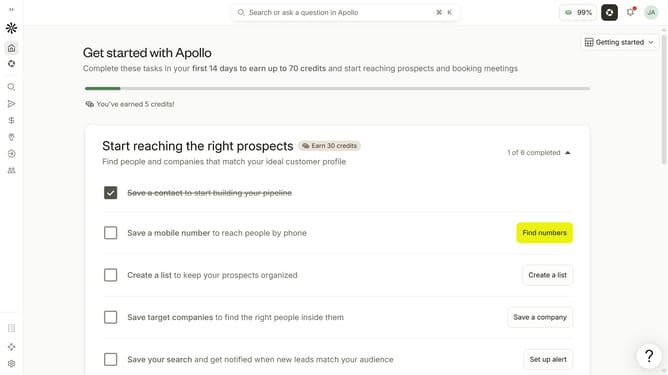
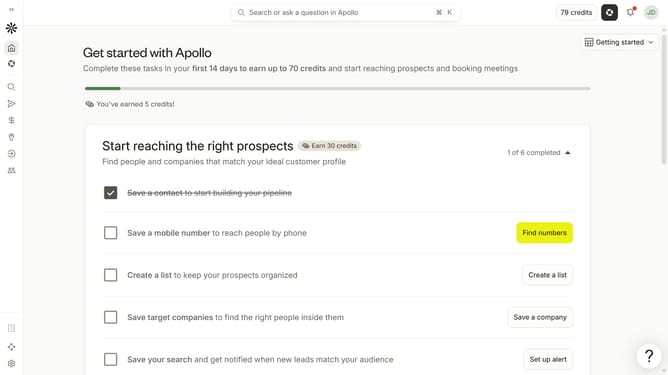
- First click on the user avatar in the top right corner of the header
- Then click on "Your profile" in the dropdown menu
- Next, click on the "Title" input field and edit it
- Finally click on the "Save" button in the top right corner of the header
Why should you How to add your title in Apollo
Apollo is a cutting-edge platform designed to streamline outreach and engagement efforts.
Adding your title in Apollo enhances personalization in communications, making interactions more authentic and effective. This feature allows users to seamlessly update and manage their professional titles, ensuring that every message reflects their current role and expertise.
Leveraging your title in Apollo reinforces credibility, fosters trust, and aligns your professional identity with your outreach strategies, thereby boosting engagement success and improving relationship-building outcomes.
Last update