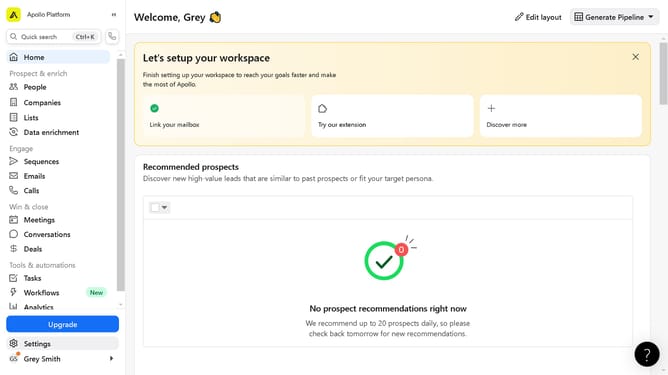
How to filter people by industry excluding a specific keyword in Apollo
Here is how to filter people by industry excluding a specific keyword in apollo
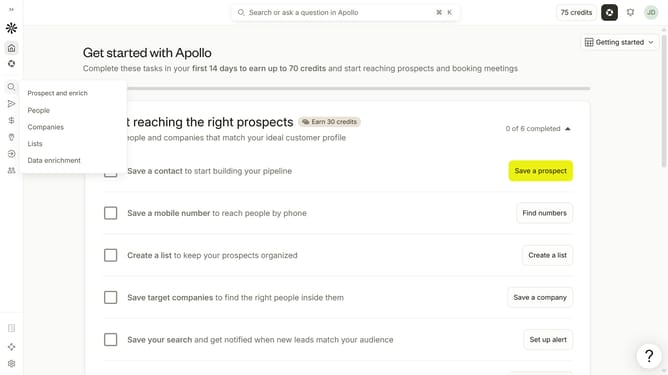
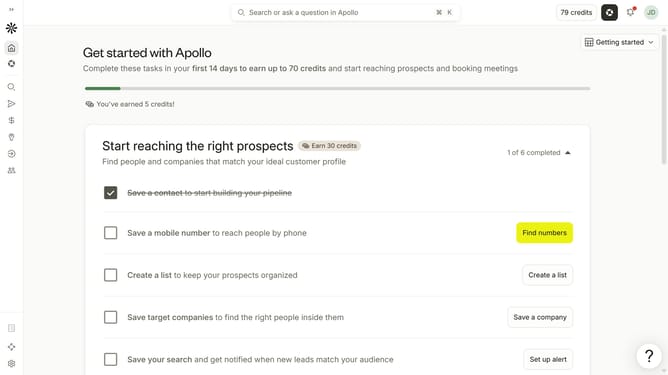
- First click on the search icon in the left sidebar
- Then click on the "People" option from the dropdown menu
- Next, click on the dropdown arrow next to "Industry & Keywords"
- After that, click on the "Exclude keywords" checkbox
- Next, click on the "Exclude keywords" dropdown menu
- Finally select from the list of keywords that you want to exclude
Why should you How to filter people by industry excluding a specific keyword in Apollo
Apollo is a powerful platform designed to optimize networking and lead generation.
One of its standout features is the ability to filter people by industry while excluding specific keywords. This functionality ensures you reach the most relevant contacts by excluding unwanted terms, refining your search with precision.
Using this feature, you can focus on targeted industries without clutter from unrelated fields, yielding higher quality connections, boosting productivity, and enhancing strategic outreach efforts.
Last update