How to enable searching contacts from companies with known domains in Apollo
Here is how to enable searching contacts from companies with known domains in apollo
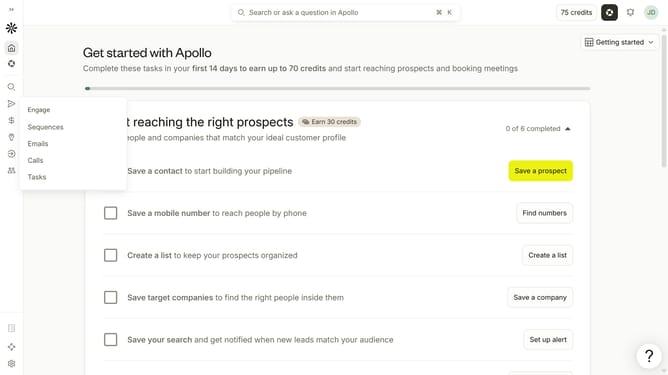
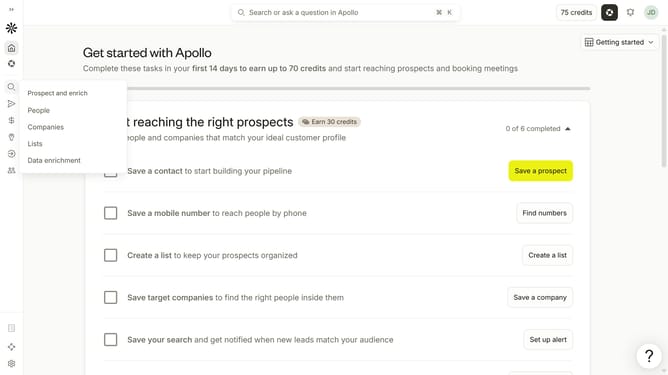
- First click on the magnifying glass icon in the left sidebar
- Then click on "People" in the opened menu
- Next click on the dropdown arrow next to "Company" in the left panel
- Finally, toggle ON the slider for "Only companies with a known domain" option
Why should you How to enable searching contacts from companies with known domains in Apollo
Apollo is a cutting-edge sales intelligence platform designed to supercharge your B2B lead generation efforts.
One of the standout features of Apollo is its ability to enable searching for contacts from companies with known domains. This feature allows users to efficiently narrow down potential leads by focusing on companies that match specific domain criteria.
Using this functionality, you streamline your lead generation process, ensuring more precise targeting and saving valuable time. By accessing contacts from vetted companies, you boost the quality and relevance of your outreach efforts.
Ultimately, this enhances your ability to connect with the right decision-makers, improving conversion rates and helping you achieve your sales goals more effectively.