How to see your plan overview in Apollo
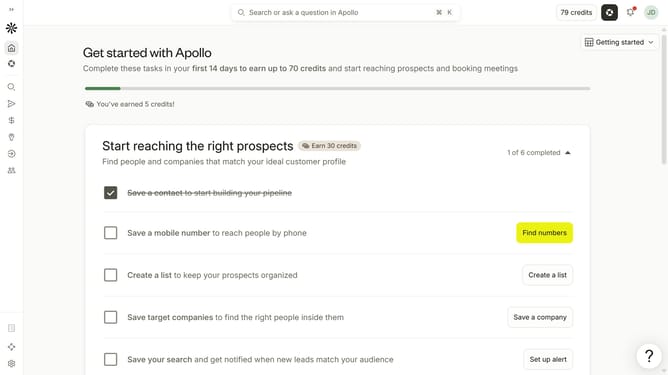
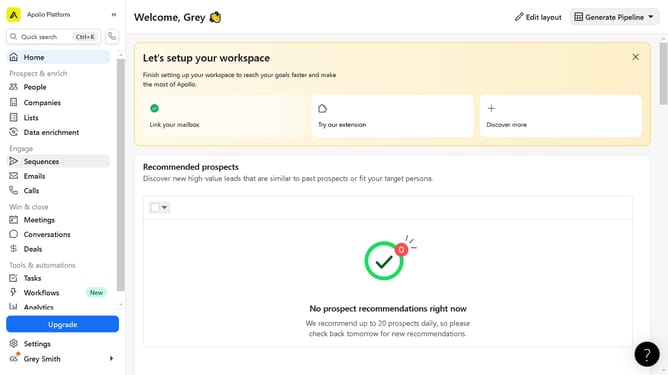
Here is how to see your plan overview in apollo
- First click on the user avatar in the top right corner of the header
- Then click on "Your profile" in the dropdown menu
- Next, click on "Plan & billing" in the sidebar
- Finally select "Plan overview" from the dropdown menu
Why should you How to see your plan overview in Apollo
Apollo is a cutting-edge platform designed to streamline your business operations with exceptional precision.
Seeing your plan overview in Apollo is a breeze, offering a streamlined glimpse into your current strategies and future objectives.
By using this feature, you can effortlessly keep track of your progress, ensuring all steps align with your overarching goals.
The benefit lies in its clarity—it provides instant insights, enabling better decision-making and enhanced productivity.
Last update