How to create tasks for a single contact in a sequence on Apollo
Here is how to create tasks for a single contact in a sequence on apollo
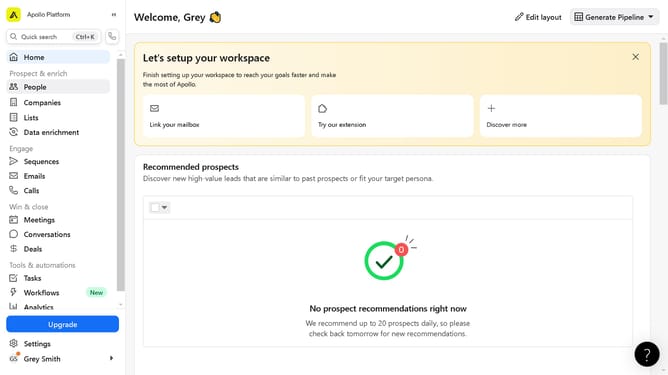
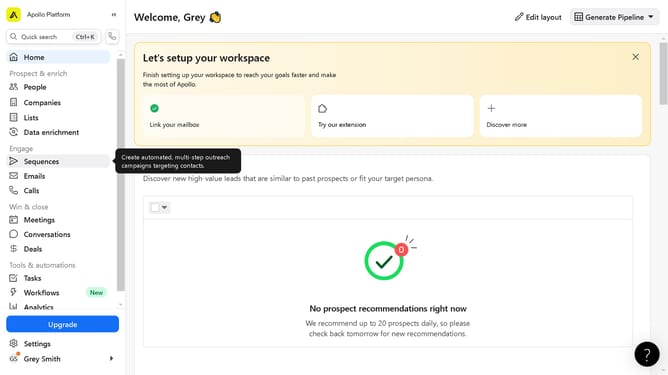
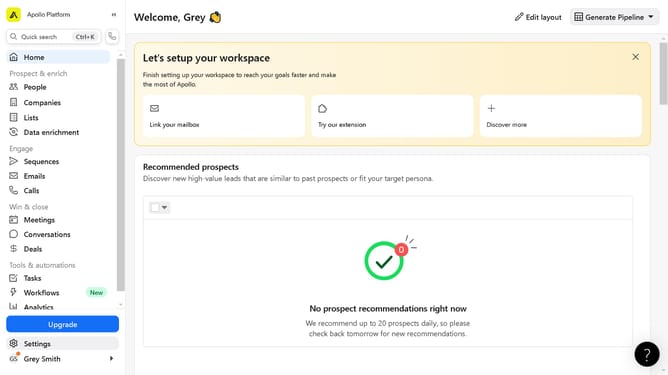
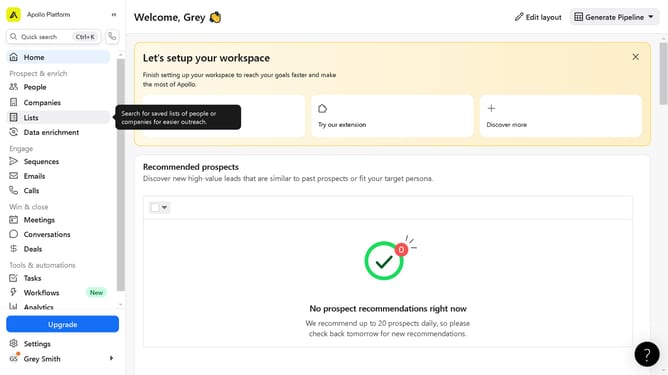
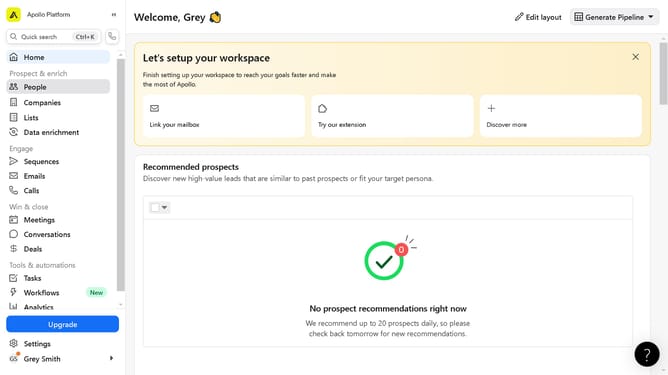
- First click on "Sequences" in the left sidebar menu under the Engage section
- Then click on the sequence name in the sequences list
- Next click on the "Contacts" tab in the sequence details view
- Click on the contacts name in the contacts list
- Click on "Contact overview" tab in the contact details view
- Click on "Add task" button in the Tasks section
- Configure the "New task" window dialog to apply the task creation form
- Finally click "Create task" button at the bottom of the new task form
Why should you create tasks for a single contact in a sequence on Apollo
Apollo is a dynamic platform designed to streamline and enhance your sales processes.
One key feature is the ability to create tasks for a single contact in a sequence, allowing for individualized attention and targeted follow-ups. This ensures that each potential customer receives the appropriate communication at the right time, enhancing engagement and relationship-building.
Utilizing this capability maximizes efficiency and effectiveness, resulting in improved conversion rates and optimized sales strategies.
Last update