How to filter contacts by number of employees on a custom range in Apollo
Here is how to filter contacts by number of employees on a custom range in apollo
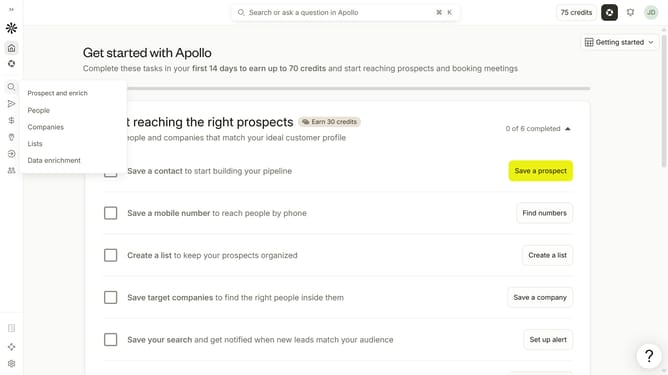
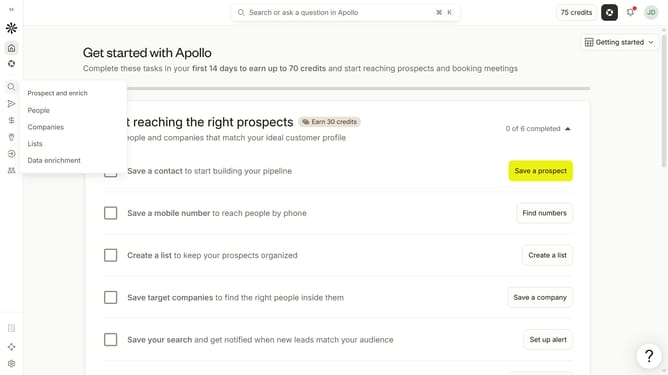
- First click on the search icon in the left sidebar
- Then click on the "People" option from the dropdown menu
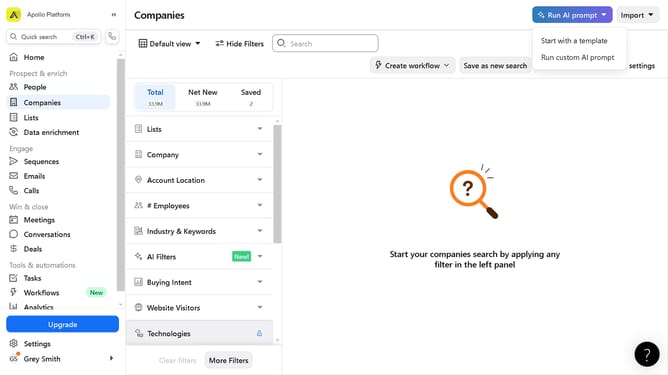
- Next, click on the dropdown arrow next to "# Employees"
- After that, click on the "Custom Range" radio button
- Then click on the "Min" input field and enter your desired value
- Finally, click on the "Max" input field and enter your desired value
Why should you How to filter contacts by number of employees on a custom range in Apollo
Apollo is a powerful platform designed to streamline business communications and enhance lead generation strategies.
One standout feature in Apollo is its ability to filter contacts by the number of employees within a custom range. This allows users to precisely target and engage with businesses that match specific company size criteria.
Using this feature helps in identifying ideal potential clients, tailoring marketing approaches, and optimizing sales strategies. It not only saves time but also enhances the effectiveness of engagement efforts by focusing on the most relevant prospects.
Last update