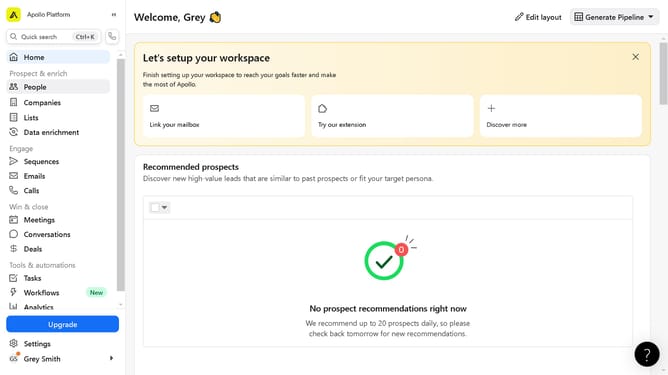
How to view your credit usage in Apollo
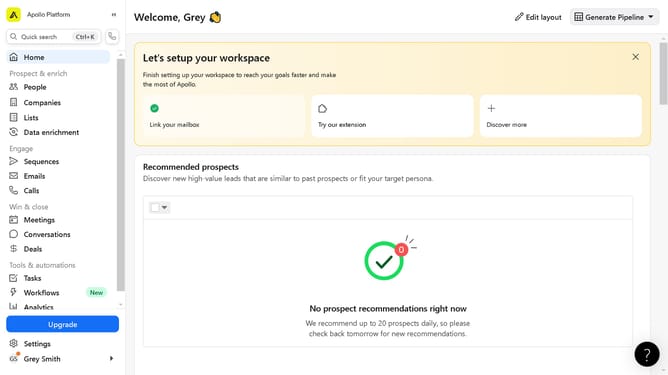
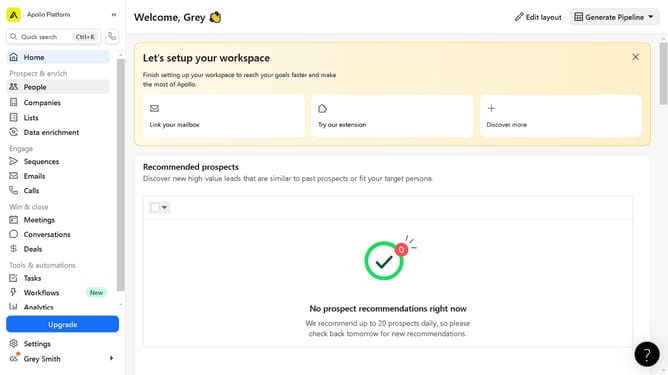
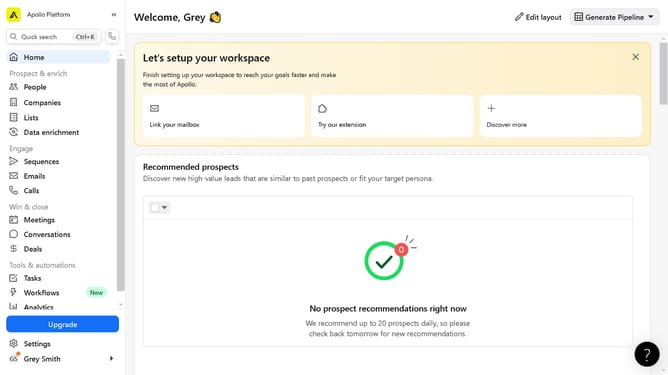
Here is how to view your credit usage in apollo
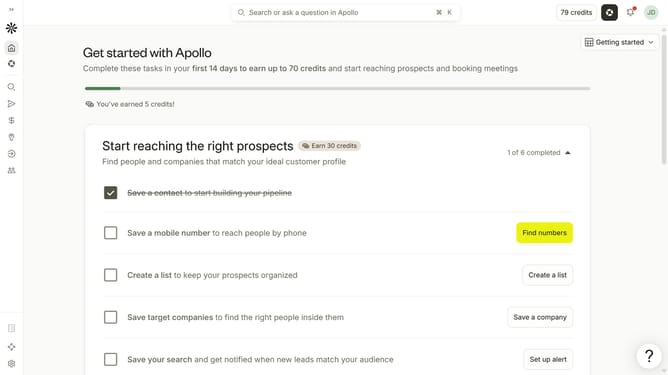
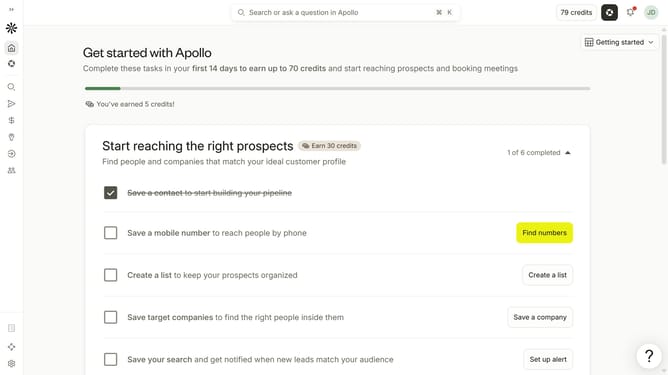
- First click on the user avatar in the top right corner of the header
- Then click on "Your profile" in the dropdown menu
- Then click on "Credits & activity" in the sidebar
- Finally click on "Credit usage" in the sidebar
Why should you How to view your credit usage in Apollo
Apollo is an intuitive platform designed to seamlessly manage and monitor your financial landscape.
One outstanding feature of Apollo is its ability to let you view your credit usage effortlessly. This feature ensures you stay informed and in control of your financial health by providing a clear overview of your credit activity.
Keeping tabs on your credit usage with Apollo offers peace of mind and helps you make informed financial decisions. By regularly monitoring your credit activities, you can identify trends, avoid overspending, and maintain a healthy credit score.
Last update